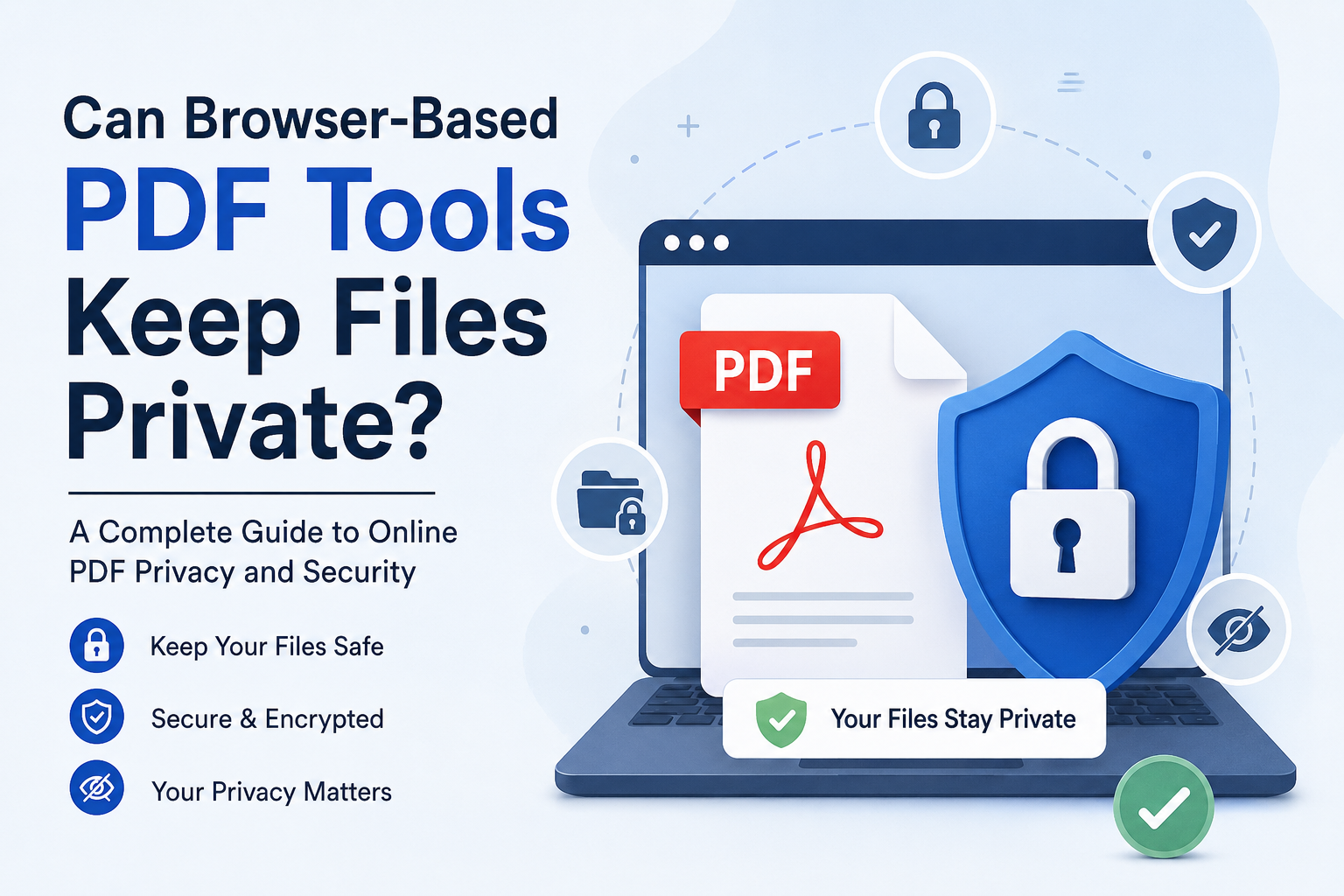
Can Browser-Based PDF Tools Keep My Files Private?
What I Learned About PDF Privacy Before Uploading My Documents
I used to believe that a PDF tool running in my browser meant my document stayed on my computer. That sounds reasonable doesn't it?
I open a website, choose my PDF, make changes and download the result. Everything happens inside the browser. I thought the file never left my device.
That is not always the case. The key question is not simply "Is this a browser-based PDF tool?" The better question is:
"Where is my PDF actually processed?"
Some browser-based PDF tools upload your document to their servers, process it in the cloud and then send the file back to you. Others use client-side processing meaning the PDF is processed directly inside your browser and the document does not need to leave your device.
That difference is very important when I'm working with tax documents, contracts, identification documents, business reports, financial records or anything else I would not want sitting on another company's server.
So can browser-based PDF tools keep files private?
Yes they can—but it depends entirely on how the particular tool's designed and what its privacy policy actually says.
Browser-Based Does Not Always Mean Private
This is the thing I look for when I use any online service to work with PDFs.
When I upload a PDF to a website there are two ways they can handle it.
1. Server-side processing
My browser sends the PDF to the company's computer.
The company's computer works on the document like putting pages, making it smaller, changing it to a different type or editing it. Then I can download the file.
This is okay if the company uses security measures like encrypting my file, controlling who can see it, not keeping it for too long and doing things to keep it safe. My file still has to leave my device, which is not what I want.
2. Client-side processing
The website puts the software right into my browser and works on the document on my own computer or phone.
In this case the PDF stays on my device. The website uses special codes like JavaScript to do what I need.
For documents that're private I like this way better because I do not have to send the document to someone else's computer.
A good example is a website that clearly says it works on files in my browser and never sends them to their computer. PDFgear says it works on files in my browser and never uploads them.
Sejda is another one that has tools on their website that say they work on files in my browser and never send them to their computer for some things. That means a lot more to me than a website just saying they are "secure".
I like it when a website is clear about what they do with my PDFs like PDFgear and Sejda because it makes me feel better about using their tools. Browser-Based tools, like these are what I look for when I need to work with documents.
How I Check Whether a PDF Tool Is Actually Private
When I look at a PDF tool I don't just focus on the padlock icon in the browser.
HTTPS is important. It only protects the information that moves between my browser and the website. It does not mean the company never gets my document.
I check for five things.
1. Does the file leave my device?
This is my question. If the privacy or security page says "processed locally " "client-side processing," "browser-based processing," "WebAssembly," or "never uploaded " that is a sign that the tool is built around local processing.
For example some PDF tools clearly say their processing happens entirely in the browser.
2. If files are uploaded when are they deleted?
Not every cloud-based PDF service is unsafe.
For example iLovePDF says uploaded files are encrypted and deleted from its servers within two hours while also saying it does not access, use, analyze or store processed data in the way described on its security information page.
Smallpdf currently says on its password-protection page that files are protected using TLS and deleted after one hour for that service.
That is information because I can tell the difference between:
"Your file is uploaded temporarily" and "Your file is stored indefinitely."
Those are different privacy situations.
3. Is encryption used?
I want to see HTTPS/TLS for data that moves between my browser and the service. Some services also talk about encryption for stored files.
Adobe for example says Acrobat online services use TLS 1.2 and AES-256 encryption and that uploaded files are private by default. Adobe also explains that files used without signing in are deleted from its servers after a time.
4. Does the privacy policy explain data collection?
I don't only care about the PDF itself.
I also want to know what happens to my email address, my IP address, my cookies, my account information, my analytics data and other information. A service may protect my PDF while still collecting details about my visit.
That is why I always read the privacy policy of just looking at a "Secure PDF" badge.
5. Can I use the tool without creating an account?
An account isn't automatically bad.
However if I only need to merge two -sensitive PDFs I prefer a service that lets me finish the job without extra registration.
Fewer accounts and less personal information can mean information connected to my document-processing activity.
Which Is Better: Local Processing or Cloud Processing?
If I had to choose between processing and cloud processing just for privacy I would choose local browser processing whenever I can.
Why do I prefer processing?
Because the easiest way to keep my document private is to not send it to someone It is like editing a paper on my desk by mailing it to someone and asking them to edit it. Cloud processing is not bad. Major companies have security systems in place. There is a big difference between local processing and cloud processing. Local processing means my document stays on my device. Cloud processing means I have to trust the company to keep my document safe.
- For a presentation I might be okay with cloud processing.
-
For a passport bank statement or something really private I would be very careful.
My Practical Advice Before Uploading a Sensitive PDF
Here are the rules I follow. I do not upload documents just because a website is popular. Just because a lot of people use a website does not mean it is private.
- I look for a privacy policy and security information.
-
I check if the processing happens on my device.
-
I want to see words like "processed or "never uploaded" when I am concerned about privacy.
-
I check how long they keep my files.
If they upload my files I want to know how long they keep them, if they delete them automatically, if I can delete them myself and if they make backups. I try not to make accounts.
If I only need to do something with a PDF I do not want to make an account and give them more information about myself. I use passwords when I need to.
How I Decide Which PDF Tool to Use
I use a process.
- For PDFs I use a good cloud-based service that has clear security and deletion policies.
-
For business documents I check the company's privacy policy and security practices.
For private documents I prefer to use a tool that works on my device or a browser tool that clearly processes the document locally.
For things like government IDs, financial documents or personal records I do not upload them unless I have a reason to trust the service and I understand how they process my document.
The question is not "is this PDF website secure?"
The better question is "does this PDF operation process my document on my device or do I send it to their server?"
What Should I Look for in a Trustworthy PDF Privacy Article?
When I research a PDF tool for privacy I do not want to hear claims like "100% secure" without proof.
A trustworthy article should explain how PDF processing works, not just repeat what the company says.
It should talk about the difference between processing on my device and processing on their server, encryption and privacy policies.
It should have proof from the company or other credible sources. The article should clearly explain any limitations. For example, saying "this tool is private" is not as useful as saying "this tool processes documents on my device. I do not need to upload it to their server."
That is something I can actually check. For private documents I can add a strong password before sharing them.
I do not think that just adding a password makes it private. The website might still get my document before. While they process it. I am careful when I remove information from a document. Just drawing a box over private information does not really remove it.
If I want to hide something like a phone number or address I want a function that removes the information not just covers it. I keep my software and browser up to date. Privacy is not about the PDF website. My browser, computer and security all matter.
Frequently Asked Questions
Are browser-based PDF tools to use?
They can be safe to use. It really depends on how the service handles and stores my files. A good cloud-based service will use encryption. Delete my files automatically while a client-side tool can work on my files right in the browser without uploading them.
Does a browser-based PDF tool keep my files private all the time?
No it does not. The fact that it is "browser-based" only tells me how I access the tool it does not tell me where my PDF is actually processed. I need to check if the service uses my device or their server to process my files.
Is PDF processing better for my privacy?
Generally yes it is. If my PDF is processed entirely on my device and never uploaded the provider does not need to see my document. That means I do not have to trust them with my information.
Are PDF tools allowed to store my files for a long time?
It depends on what the service says in their terms and privacy policy. Some providers store my files for a little while and then delete them after some time. Others may store my files in the cloud if I sign into an account. For example Adobe says that its online services upload my files to Adobe cloud storage and if I do not sign in my files are deleted after a time.
Does HTTPS mean my PDF stays on my computer?
No it does not. HTTPS protects the connection between my browser and the website. If a PDF tool uploads my document to their server over HTTPS my file is still leaving my device.
Should I upload my passport or bank statement to a PDF tool?
I would not do that unless I really have to. For sensitive documents I prefer to use local processing or offline software whenever I can.
How can I tell if a PDF tool processes my files on my device?
I look at the services documentation to see if they say things like "local processing," "client-side processing, " "processed in your browser, " or "never uploaded."
I do not just rely on what they say in their ads like "secure" or "private."
is a paid PDF tool more private than a free one?
No it is not. The price of the tool does not determine how they process my files. A free tool can process my files locally while a paid service can use cloud servers. I judge the privacy of the tool based on how they work and what their policies are.
Can I trust a PDF tool that deletes my files automatically?
Automatic deletion is a security measure but it is not the same as never uploading my file. If my document is very confidential I would still prefer a service that does not need my document to leave my device.
What is the safest way to edit a PDF?
For very confidential documents I would usually choose a good offline software or a browser-based tool that clearly does the work on my device.
Final Thoughts: Privacy Starts Before I Click Upload
After learning about how browser-based PDF tools work I have changed the way I think about PDF privacy.
I do not assume that an online PDF tool is not safe just because it uses cloud processing.
At the time I do not assume that a website is private just because it has a padlock icon or says it is "secure."
I look at where my document's processed, whether it is uploaded, how it is encrypted, how long it is kept, whether it is shared and what the privacy policy actually says.
For documents a good cloud-based service with strong encryption and automatic deletion may be fine.
For documents however I prefer a local-processing approach because it removes one big privacy concern: sending my document to a third-party server.
That is the rule I use: if my document is sensitive I do not just ask if the PDF tool is secure I ask if my document needs to leave my device at all.
That one question can make a difference, in protecting my personal and confidential information.