You click on the assignment PDF. Everything looks great.
- Texts are readable
-
Pages are in line
-
The document opens seamlessly
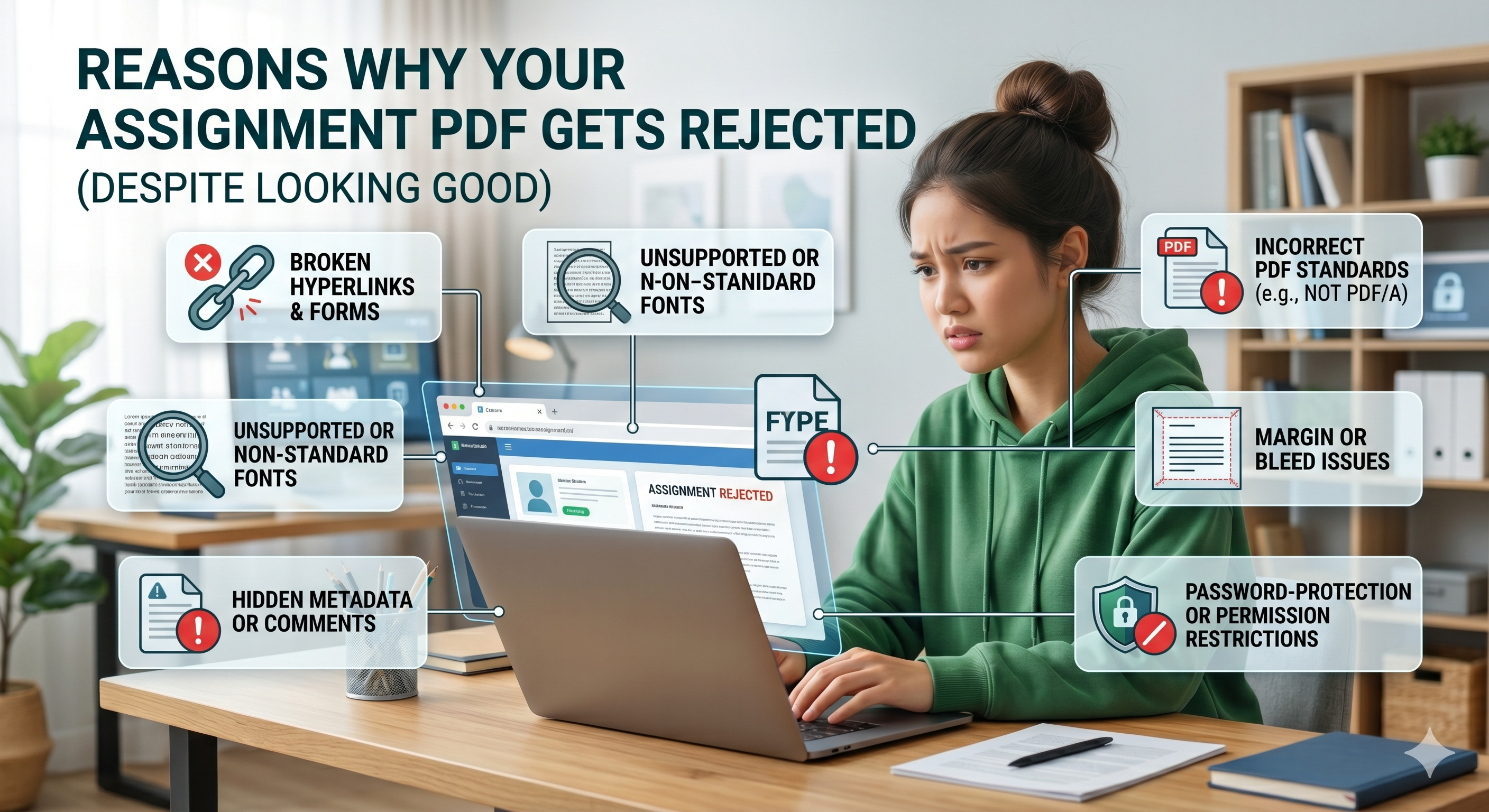
You submit it… but it gets rejected! No explanation at all. Only frustration. Are you one of many who experience this? You might think that if a PDF “looks good,” then it’s acceptable. But actually, PDF validation process scrutinizes much more than meets the eye
Let’s delve into why this happens.
Hidden Gap: Visual vs. Technical Validation
Even if your PDF looks perfect on the surface, it might fail validation tests when uploaded.
Why is that?
There are two aspects to this problem:
Appearance:
- Text
-
Graphics
-
Layout
Technical Aspect
Validation criteria include:
- File format
-
Metadata
-
Encoding
Technical problems lead to more rejections than visual ones. Reasons Why Your PDF Is Not Approved
Here is everything in detail—the usual culprits explained.
1. Wrong File Format (PDF is Not Valid)
This occurs when the file is not actually a PDF document.
Such as:
- Conversion errors from MS Word
-
File extension changed (.docx to .pdf)
-
Damaged conversion process
Though they may open up just fine, these documents will be detected by submission systems.
Solution: Ensure your PDF is always created using a converter website such as oncepdf.com.
2. Non-Supported PDF Version
There are various versions of PDFs (such as PDF 1.4, 1.7, PDF/A).
Some university web portals:
- Allow only particular version (such as PDF/A)
-
Not accept new versions
This cannot be seen by the user but very important for systems. The tool such as oncepdf.com comes with functionalities that can standardize your file.
3. Problem of File Size (Big or Small)
This is a common problem, but few understand it.
Too Big:
-
Images with high resolution
-
Uncompressed scans
-
Fonts embedded within
Too Small:
-
Files compressed excessively
-
Data lost
Though the platform accepts the upload, it will be rejected by backend validation. It's better to use an intelligent file compressor like oncepdf.com
4. Scanned PDF Documents Without Proper Text Layer
When your homework is a scanned document:
- It may appear legible,
-
but it may lack searchable text.
Some institutions demand:
- Readable text layer
-
Optical character recognition (OCR)
This is what makes your PDF acceptable and searchable. The OCR capabilities of oncepdf.com can transform your scanned data into readable text.
5. Inconsistent Page Orientation or Layout
An unexpected but frequently observed problem is:
Incorrect page rotation. Multiple orientations (portrait and landscape)
Cut-off images and texts Though legible, inconsistent layout can automatically be flagged by the system.
Websites such as oncepdf.com have tools that automatically repair any rotation or scanning errors.
6. Malformed/Corrupted PDF File Structure
PDF files may be corrupted when transferred, downloaded, or edited using unreliable software. You may not know it, but the submission platform knows it.
Indicators of corruption are:
- Slow loading
-
Font corruption
-
Page layout changes
Fixing such problems requires using an application that flattens the file structure.
7. Embedded Fonts and Issues with Compatibility
Fonts are yet another invisible problem.
With your PDF file:
- Unsupportive fonts
-
Lack of font embedding
This can result in:
- Poor text rendering
-
The document being refused by the system
Even if everything seems to be alright on your computer.
8. Metadata and Concealed Data
PDF documents have concealed data like:
- Author’s name
-
Software application
-
Edit history
-
Location/GPS (occasionally)
Certain organizations:
- Need clean metadata
-
Exclude files with tracking data
The metadata cleaning function on oncepdf.com eliminates concealed data.
9. Inappropriate Merging of Documents
While merging PDF files:
- File structure may contradict
-
Page numbers may not match
-
Internal format may conflict
In most cases, it results in submission problems. By using appropriate software such as oncepdf.com, you can have proper merging.
10. Encryption or Security Features
If your PDF includes:
- A password lock
-
Editing limitations
It could get automatically rejected. Even by mistake, you shouldn’t overlook this.
Why Is This Problem Growing More Common?
One thing you should know:
College submission processes are getting stricter
Why?
-
Use of automated grading
-
Digital archiving
-
Standardized processes
What does this mean?
- There will be more validations
-
No room for mistakes
The True Problem: Students Utilize Too Many Programs
The majority of students:
- Utilize one program for file conversion
-
Another for compression
-
A third for merging
All of these steps elevate the risk of:
- File corruption
-
Format inconsistencies
-
Undetected errors
The fragmented process is one of the key factors behind PDF failure. The Smarter Solution:
One-Stop Processing
Rather than using separate tools for each operation, a smarter solution would be to use:
Only one tool that you can trust
A web-based solution such as oncepdf.com addresses this problem through:
- Conversion
-
Compression
-
Optical character recognition (OCR)
-
Combining
-
Repair
-
Removing metadata from documents
All of the above without needing to upload your files to a server.
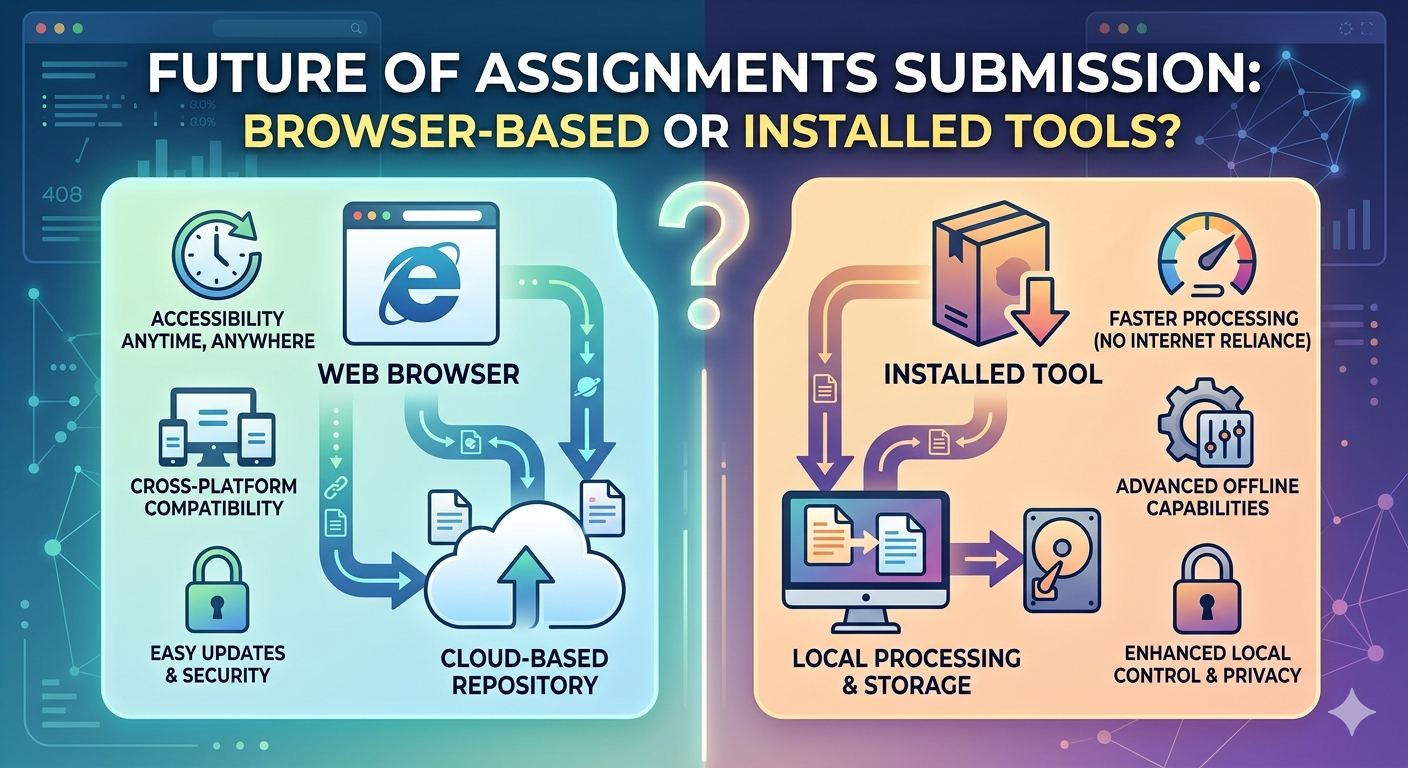
Local Processing: What It Is And Why It's Important
The majority of these programs will upload your file for processing.
This may result in:
- Upload failures
-
Data corruption
-
Data leakage
OncePDF does things differently:
- Your files are processed locally in your browser
-
No uploads mean less chances for something to go wrong
-
Improved speed
Tips for Preventing PDF Rejection (Checklist)
Make sure before submitting that your file:
- Is converted properly (no renaming of file)
- Does not exceed size specifications
- Has pages in proper orientation
- Is readable (text is OCR if scan)
- Is not password protected
- Has clean metadata
- Opens easily across all devices
All of this is possible using oncepdf.com
Bigger Point: “Looks Fine” Isn’t Enough
That’s the main lesson here:
Perfect looking PDF isn’t always a correct one .The submission systems don’t base their judgment on the PDF file’s appearance.
Knowing this will help you avoid being turned down over and over again.
Conclusion
Rejection of a PDF file is not only annoying but also quite predictable.
Typically, the problem occurs due to:
- Technical problems hidden from view
-
Incorrect format
-
Software issues
As technology becomes more sophisticated, students require advanced software solutions rather than merely adequate ones.
This is where online tools like oncepdf.com come into play by:
- Providing a centralized solution
-
Ensuring compatibility
-
Securing your information through local computing