Optimal Workflow for Organizing Study Resources as PDFs
Reason Why Your Study Resources Appear Messed Up (Despite Having All of Them)
At one point, every student realizes that despite having all the necessary information available, either in PDF form, through screenshots or even in notes, they still appear unprepared. The issue does not lie in missing information but lies in disorganization. Files are spread out in folders, and from different sources; they might be images, incomplete notes or even full PDFs. Instead of concentrating on revising and learning, revision becomes difficult due to time wastage looking for resources.
It is at this point that a good workflow makes all the difference.
Step One: Get Everything Ready before You Start Organizing
The first error that students commit is when they try to organize the documents while they are still gathering them.
In order to avoid confusion, you should get everything ready first:
- Notes (if any) typed and saved as photos or scans
-
Lecture slides
-
PDFs from the teacher
-
Screen shots from class or discussion
-
Old assignment papers
Just put everything together first and don't think about organization yet.
Step 2: Uniformity in Formats for All Study Materials
A key reason why study materials may seem unorganized is because there is no uniformity in formats. Moving from image to document or even PDF can be distracting.
Solution:
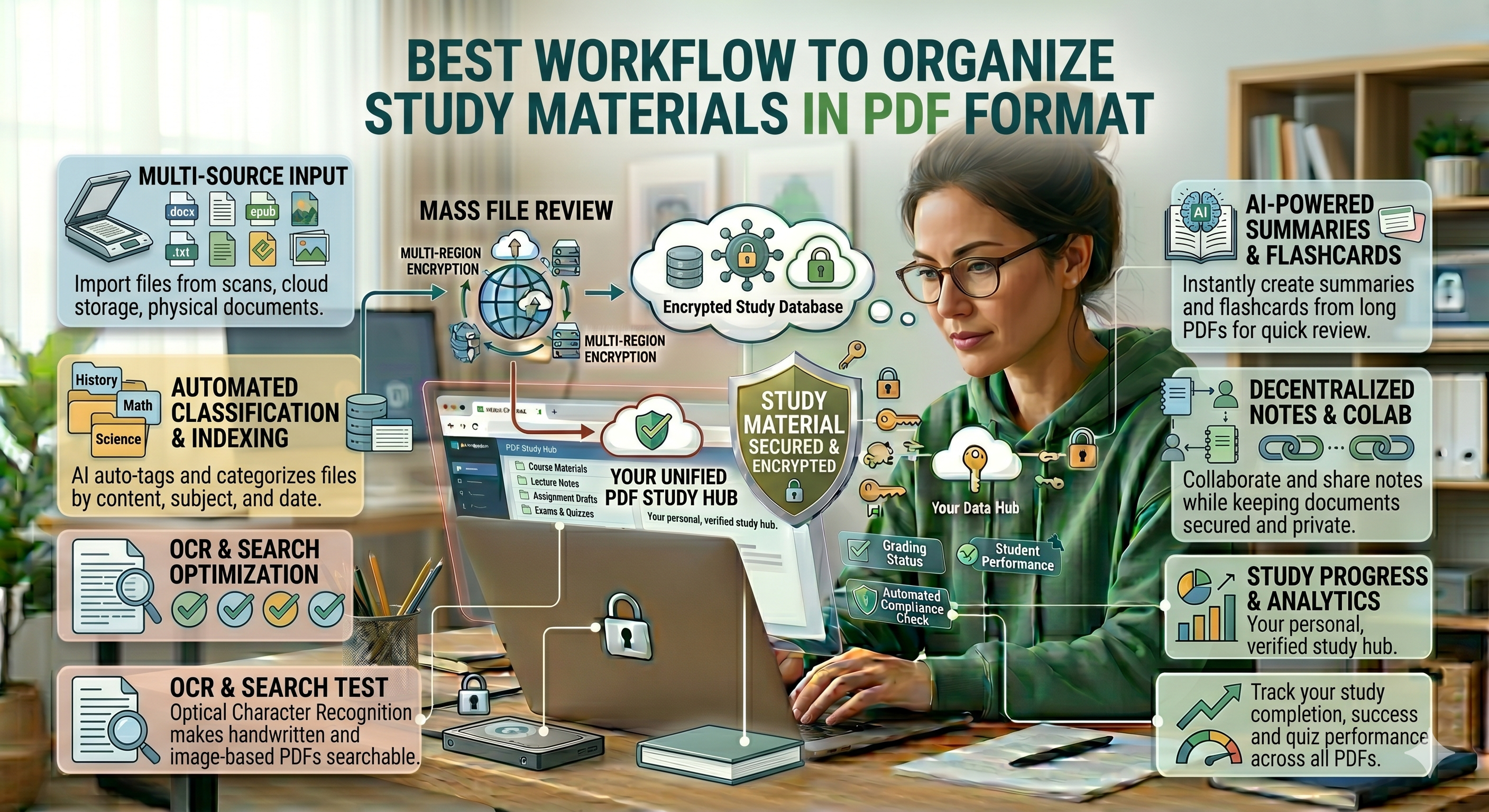
Convert all materials into PDF format
This will provide uniformity in the materials and help organize them.
Students can use a web-based converter like oncepdf.com , which does not require any installation, to easily convert all types of materials into PDF.
Step Three: Cleaning up and Repairing Individual PDFs
The next thing to do before merging any documents is to repair individual files.
Some problems are:
- Low-resolution scans
-
Pages that are cut off
-
Documents that aren’t correctly oriented
-
Unnecessary blank pages
If this step is skipped, these small errors will add up in the finished document, making it difficult to study.
Oncepdf.com provides quick fixes for things like rotating, cleaning, and repairing files.
Step Four: Classify into Subjects and Topics
Since you have already organized your documents, let’s move to classification.
Do not just put all documents into one folder but rather classify according to:
- Subject
-
Chapter
-
Topic
For instance:
Physics > Mechanics > Laws of Motion
Biology > Cell Structure > Organelles
It will accelerate your brain work since our perception resembles this classification when we study at school.
Step 5: Combine Relevant Documents into One PDF File
Working with many different files is cumbersome. It takes time and disrupts the flow of thought. It would be wise to combine relevant documents into one PDF file. Here is an example:
- Combine notes from one chapter
-
Combine lecture slides and your own notes
-
Put significant questions in the end
With oncepdf.com , you will combine many PDF files into one in a simple way while preserving their quality. The aim is to prepare learning documents and not to accumulate any files.
Step Six: Organize Information for Efficient Editing
Merely combining will not suffice. The order in which information appears counts too.
Organize your document logically:
- Concepts
-
Explanation
-
Examples
-
Practice problems
This way, you will be able to edit without switching back and forth.
A properly organized PDF is almost a miniature textbook suited to your comprehension.
Step Seven: Minimize File Sizes without Compromising Quality
As you compile different documents together, the file size can be quite large.
Big PDF files may cause these issues:
- Loading slowly
-
Scrolled inefficiently
-
Difficult to transfer
However, over-compression may lead to lower legibility.
What is important is striking a balance.
oncepdf.com allows for the perfect combination, making sure that your files are both readable and compact.
Step Eight: Ensure That Your Study PDF Is Navigable
A well-organized study PDF is also navigable. Here are some basic things you can do:
- Number the pages
-
Use consistent formatting
-
Break up sections effectively
With or without software, keeping your study PDF organized enhances its usability. Once your study PDF is navigable, revising becomes much more efficient and easier.
Step Nine: Make Everything Available for All Devices
Today’s students no longer rely on just one device to study; you could:
- Be reading on your mobile
-
Editing using your laptop
-
Viewing using your tablet
This means that your study routine must be flexible.
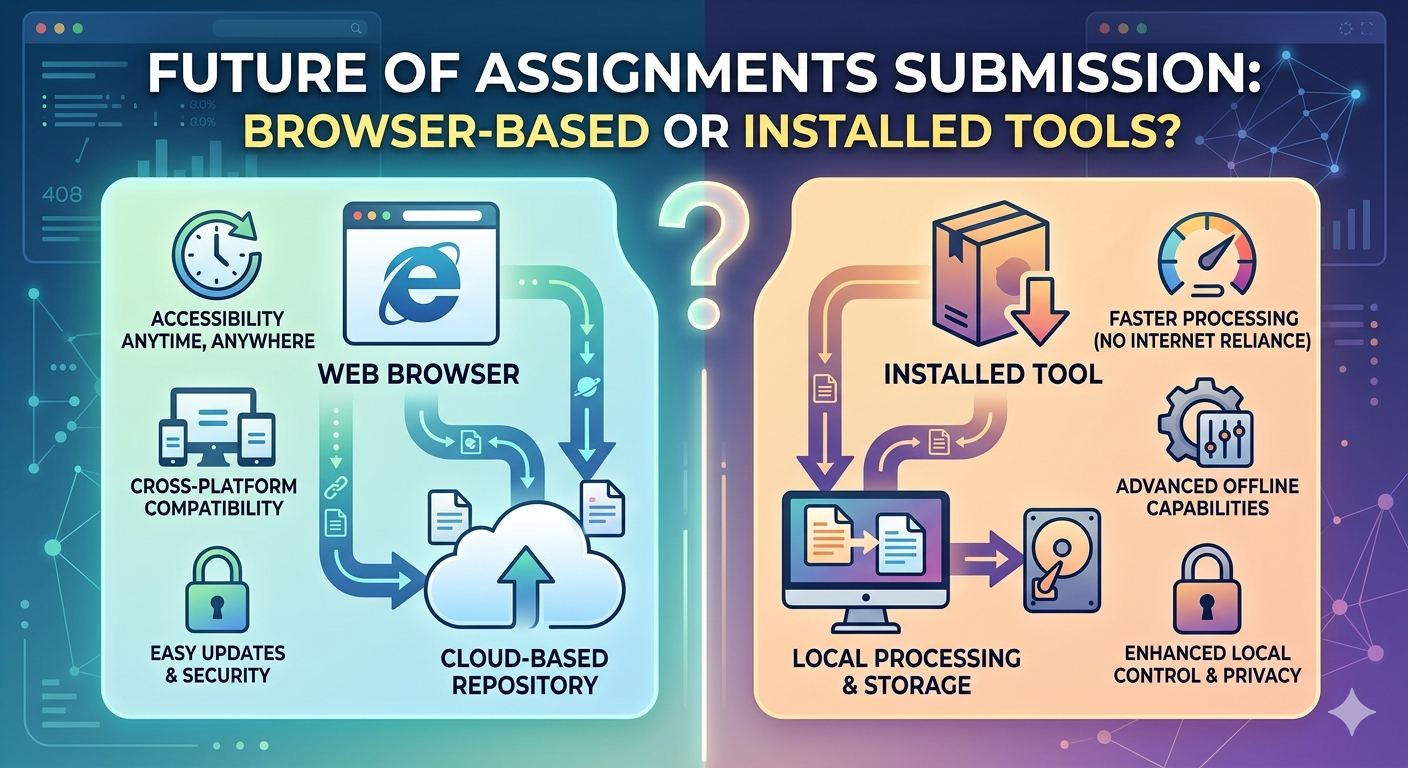
This is where browser-based applications such as oncepdf.com come in handy since:
- There’s no installation requirement
-
Files can be edited anywhere
-
You are never limited by the system
Step Ten: Upgrade Rather than Rebuild
Yet another frequent error is always beginning from the beginning.
Rather than constantly making notes from scratch:
- Upgrade your old PDFs.
-
Create additional pages.
-
Improve your previous work.
This allows you to build up a much more comprehensive document over time.
Reasons Why Browser-based Tools Are Ideal for This Workflow
Software programs can hamper this process because of:
- Installation needs
-
Hardware restrictions
-
Complex user interface
Browser-based tools such as oncepdf.com make everything easy:
- Conversion, merging, compression, and organization in a single platform
-
No installation needed
-
Universal compatibility
What’s more?
Files are processed locally, eliminating delays and giving you full control
The Actual Payoff: Lower Stress, Higher Concentration
An efficient workflow is not only about organizing your documents; it saves you from cognitive overload.
Not:
- Looking up information in your notes
-
Jumping back and forth between files
-
Revising the same mistakes
But rather:
- Studying without distractions
-
Writing more efficiently
-
Being consistent
The Larger Picture: Organizing Is a Learning Technique
Organizing is usually thought of as a different activity, but it’s actually integral to learning. When you organize your material:
- Connections will be clearer
-
Review will go more smoothly
-
Comprehension will be easier
An organized PDF is a tool for learning.
Conclusion
Having your learning materials in PDF format does not need to be perfect; what matters is how effective the organization can be for you personally. When you consolidate, convert, clean, merge, and structure your learning materials, you transform disparate information into useful resources. With the assistance of websites such as oncepdf.com , the task becomes easy because there are no technical requirements and the whole process remains clear and straightforward. Ultimately, the purpose is not to accumulate more notes but to organize them in a way that facilitates learning. Because when the learning materials are organized, the mind becomes organized as well.