When you take an exam online, you must change the way you answer questions, scan your answers, convert them, compress them, and finally upload them—all usually within a short period.
And the challenge is this:
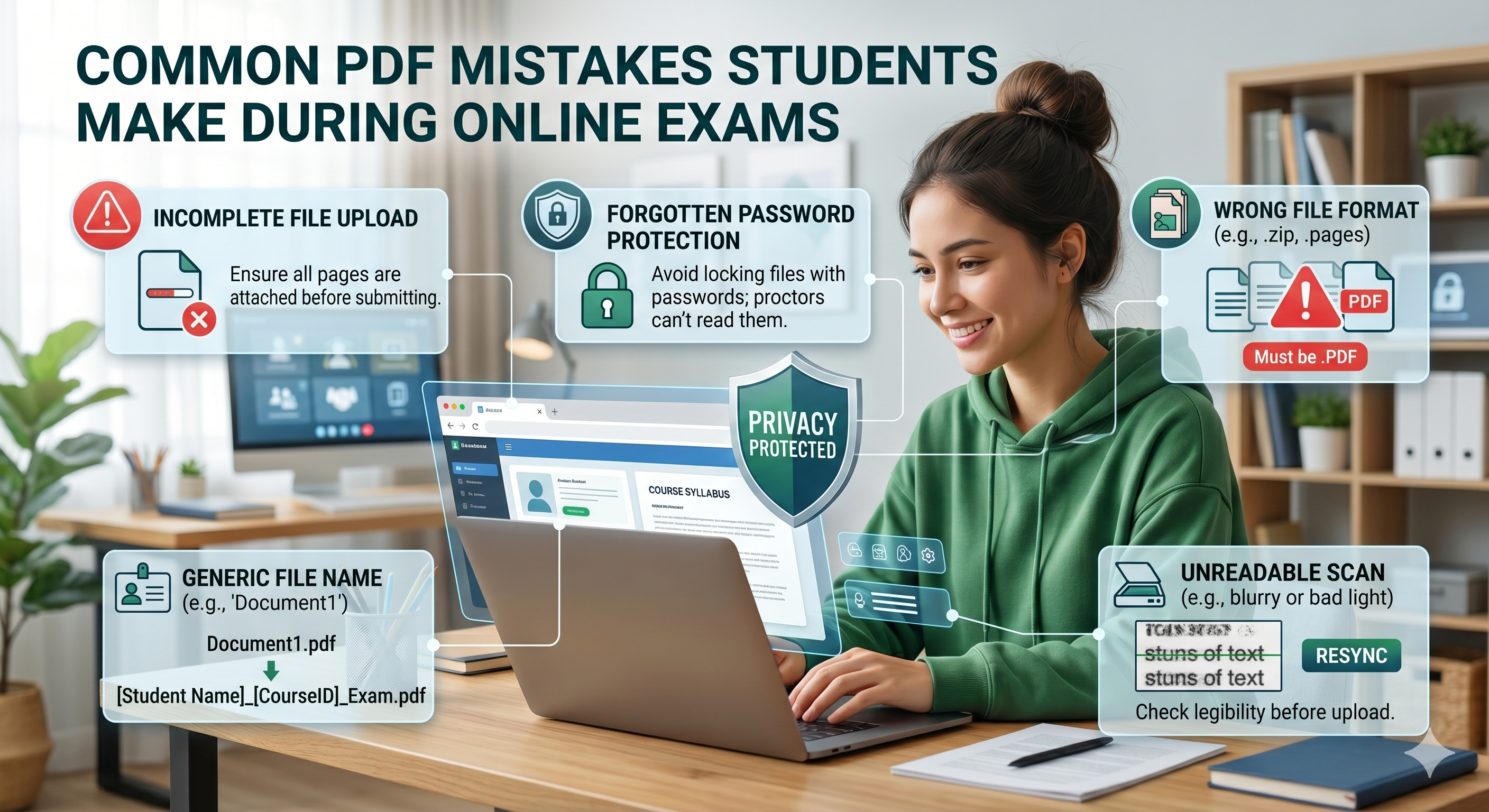
Students tend to concentrate on writing the answers but fail or get penalized due to mistakes in PDF format
These mistakes can cause problems like:and be tiny, invisible, and easily avoidable. However, when taking an exam
-
Failed uploads
-
Rejected submissions
-
Low legibility
-
Evaluation penalty points
Let us look at some of the most common mistakes that students commit in PDF format when taking online exams. Pressure is a factor contributing to these mistakes .But before getting down to specifics, we should discuss why such mistakes occur.
For instance, during an online exam, students have to:
- Work within time limits
-
Use several apps simultaneously
-
Change devices quickly
-
Solve problems related to low internet connectivity
That is when document management is performed hastily, leading to mistakes.
Error 1: Sending Poorly Scanned Answers
It is one of the most common problems. Students use the following devices and methods for scanning:
- Mobile phone camera
-
Scanning software
But they neglect the following aspects:
- Lighting conditions
-
Clarity
-
Blur
Consequence:
The document looks fine on students' phones, but not when assessed.
Importance:
-
Evaluators might have trouble reading the responses
-
Key information may be overlooked
-
The mark could be influenced negatively
Alternative Strategy:
Use online resources such as oncepdf.com to improve the quality of scanned files.
Error 2: Incorrect Page Sequence
When writing an exam, students normally:
- Check pages independently
-
Combine them swiftly
However, they miss out on:
- Correcting page sequence
-
Checking order
Consequence:
Responses will be in an incorrect sequence, misleading the examiner.
Actual Effect:
-
Marks deduction for misinterpretation
-
Unfinished evaluation
Solution:
Preview your document before uploading.
With oncepdf.com , you can adjust page sequence effortlessly.
Error 3: Excessive File Size
File size limitations are strictly enforced by many systems.
Students tend to:
- Load high-resolution copies of documents
-
Ignore the step of compressing files
Consequence:
Unable to upload the file in the final seconds .It is particularly frustrating when taking a timed test.
Typical Reasons for Error:
- Big images in the document
-
Combination of multiple pages
-
Failure to compress the file
Solution:
Apply compression using oncepdf.com
Error 4: Over-Compression of the PDF Document
Incredibly, the other extreme error occurs as well.
Students:
- Over-compress your files
-
Excessive reduction of quality
Outcome:
Makes the text unclear or illegible
Important Lesson:
Small file sizes don’t always mean good compression
Proper balance is essential.
oncepdf.com ensures you achieve this delicate balance.
Error 5: Incorrect File Format
This should be obvious—but occurs frequently.
Some students make the mistake of:
- Uploading pictures rather than documents
-
Renaming wrong file extensions
-
Submitting incompatible file types
Consequence:
The submission gets automatically rejected
Important:
A file with “.pdf” does not mean that it is a PDF.
Solution:
Convert the document using a good conversion service such as oncepdf.com .
Error 6: Missing Pages
In a rush for time, students could:
- Neglect scanning certain pages
-
Overlook pages unintentionally
-
Combine unfinished files
Outcome:
Incomplete upload. This is one of the worst possible outcomes.
How to avoid this mistake?
Double-check the number of pages and View the completed PDF file.
Error 7: Improper Orientation (Scanned Sideways)
Yet another one of the most common mistakes:
- Scanned pages rotated
-
Differing orientation in one PDF
Even if clear, it will cause:
- Bad presentation
-
Trouble for assessors
Solving:
Ensure you rotate pages before submission.
It's easy using oncepdf.com .
Error 8: Using Several Programs (Workflow Segmentation)
Some students rely on:
- Scanning software
-
File merging software
-
Compression software
Every stage poses potential risks, such as:
- Corrupt files
-
Format errors
-
Incompatibility
This segmented workflow is one of the biggest silent threats.
Solution:
Consider using a one-stop shop, such as oncepdf.com
Error 9: Uploading Without Ensuring the Final PDF is Good
This mistake is likely the easiest to prevent.
Students:
- Create their PDF file
-
Immediately upload without ensuring
Without checking
-
Page order
-
Readability
-
Completeness
End result:
Mistakes remain undiscovered until it's too late
Golden rule:
Always open and preview your final PDF before uploading.
Error 10: Failure to Ensure Text Readability (Not Using OCR)
Regarding handwritten responses:
- The text might not be legible by computer
-
Systems might require searchable PDF documents
In cases without OCR:
- Text cannot be searched accurately
-
There could be difficulties in evaluation procedures
Suggestion:
Employ OCR-enabled software such as oncepdf.com
Error 11: Metadata and Hidden Data Problems
Students are unaware that there is hidden data within a PDF such as:
- Author’s name
-
Device information
-
Modification history
Many testing programs:
- Block files with unnecessary metadata
-
Highlight documents with conflicting information
Solution:
Utilize resources like oncepdf.com to remove metadata prior to submission.
Error 12: Failing to upload last minute
Not necessarily with PDFs, but quite frequently linked to the problem.
Students:
- Attempt to upload large files
-
Have internet connection problems
Outcome:
Failed upload at submission time
How to prevent:
Optimize file sizes in advance
Reasons Why Such Errors Carry Weight in Online Tests
Compared to conventional tests:
- There’s no retake
-
There’s no manual interpretation
-
There’s no correction period. The system will either accept your document—or it won’t
The Part Played by Web-Based Applications in Resolving These Issues
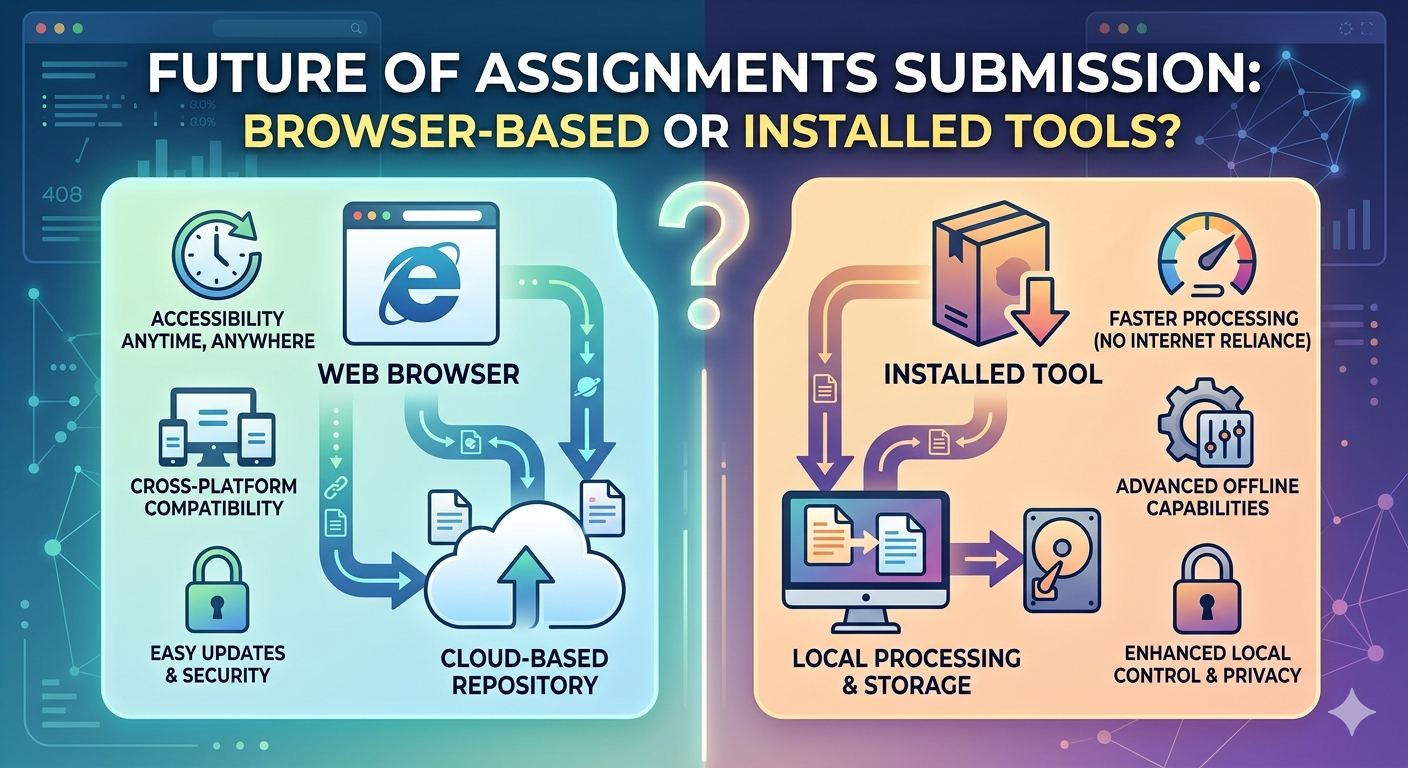
Web-based applications such as oncepdf.com are specifically created to make this easier.
Benefits include:
1. No Installation Required
Operates immediately on all devices
2. Comprehensive Workflow
-
Conversion
-
Compression
-
Merging
-
Rotation
-
Optical Character Recognition (OCR)
3. Offline Processing
-
Documents remain on your device
-
Eliminates upload risks
-
Faster processing
This will minimize technical problems and exam stress. A Short Pre-Upload Checklist. Before submitting your assignment online, verify the following:
- All pages are present
- Properly ordered pages
- Sufficient file size
- Clear text
- Properly oriented pages
- No error in opening file
All of this can be conveniently managed using oncepdf.com
Conclusion
The fact is that online assessments test your knowledge as well as your efficiency at submitting your assignment. Most students make mistakes which lead to loss of marks, but those mistakes could easily be avoided.
Here’s the lesson:
Not only should a PDF file be readable, but it must also be submission ready.
Using the right knowledge and the proper tools such as oncepdf.com , it is possible to avoid making unnecessary mistakes.