Introduction
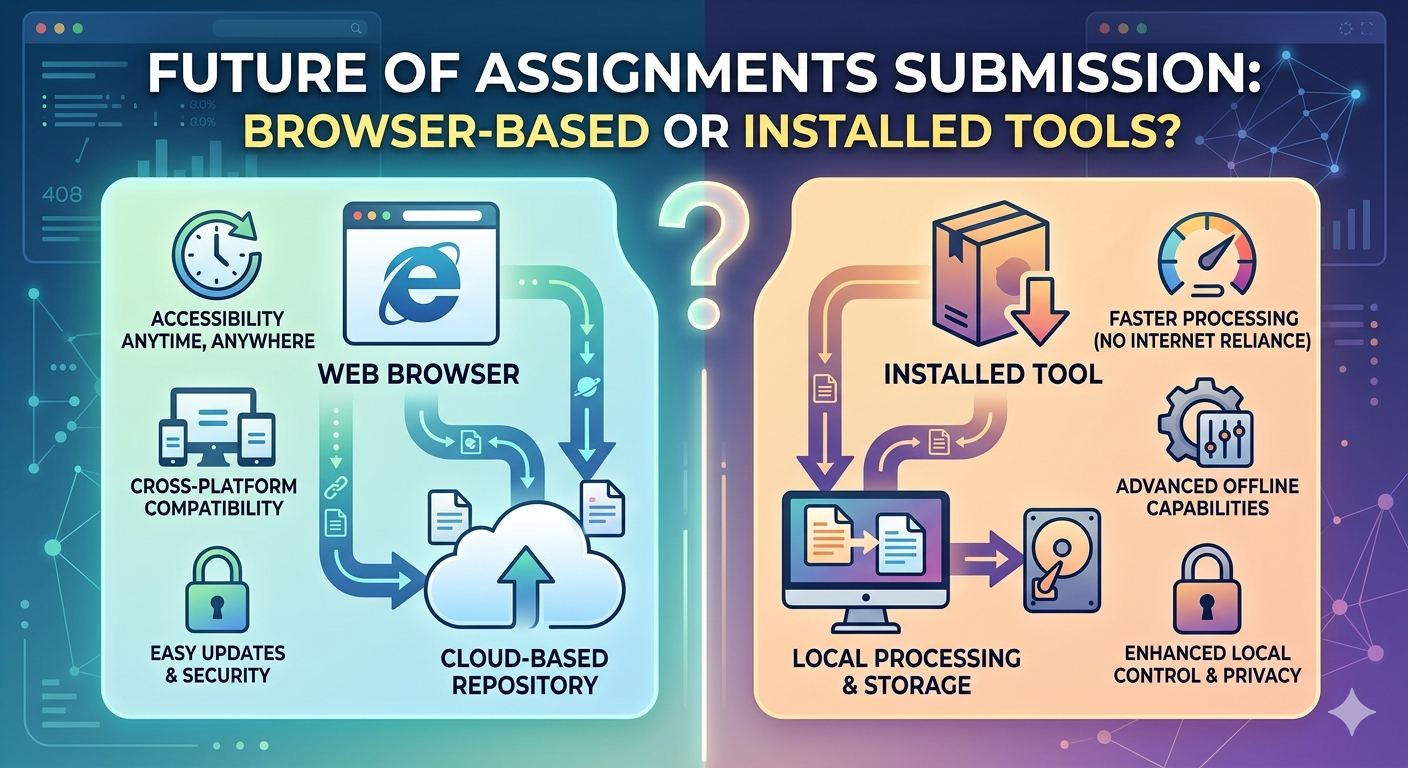
There was a point in time when document management involved having to install bulky software, considering storage space, and continually transferring files from one device to another. This process didn’t vanish; it simply stopped being obligatory.
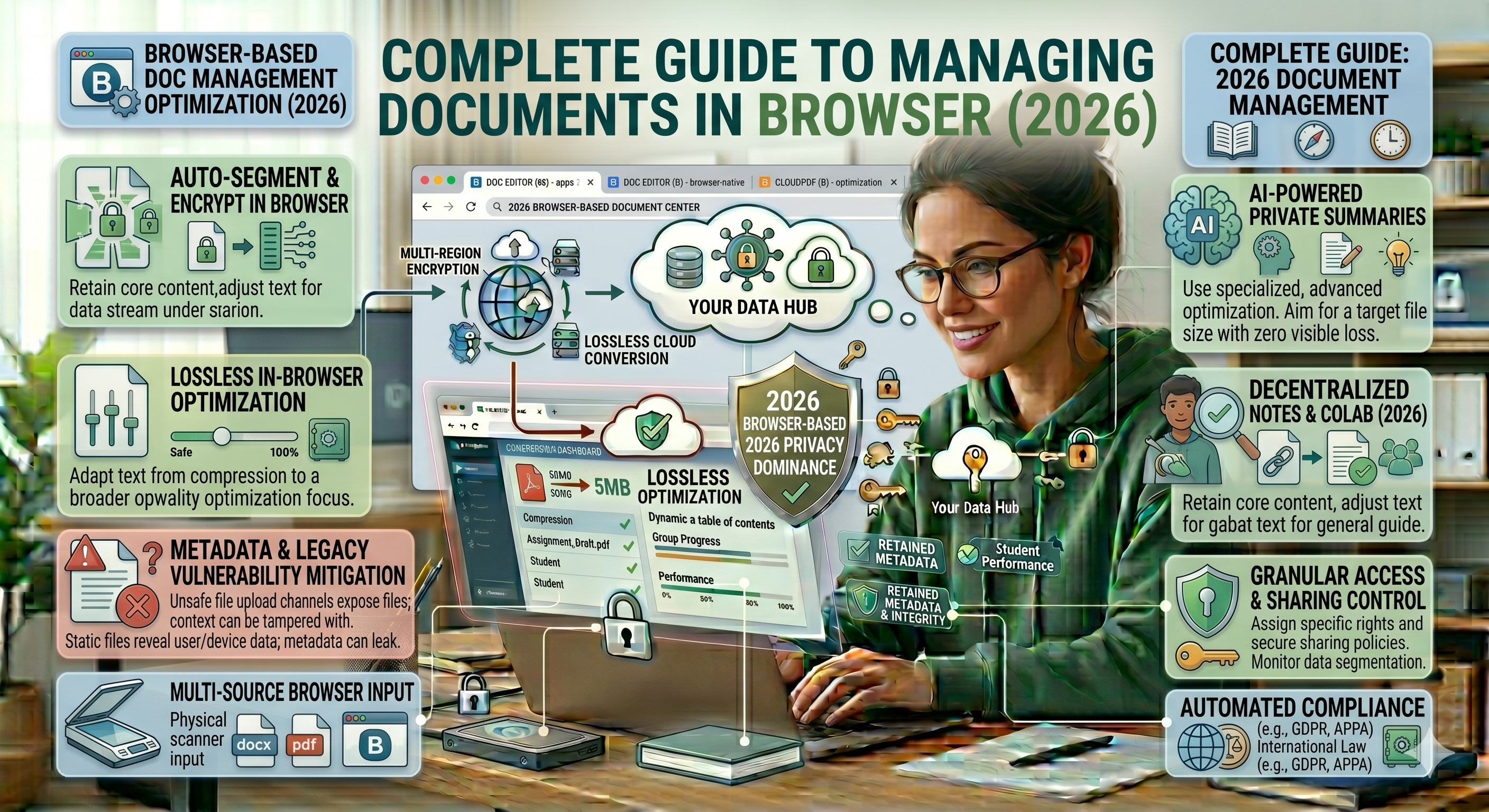
In 2026, the browser stops being merely the place where you see your documents. The browser allows you to not only look at them but also create, edit, sort, convert, compress, sign, and distribute your documents—without even noticing the effort put in.
And amid all this, applications such as Oncepdf.com somehow find their way into your process—but not as substitutes, just helpers when needed.
Silent Shift: How Web Browsers Won the Day
But don’t think that this silent shift was just about “convenience.”
What really happened:
-
Software wasn’t necessary anymore, but optional
-
Files weren’t stored on a single computer
-
Collaboration was immediate, not delayed
-
Upgrades were no longer needed
The web browser didn’t emerge overnight.
Users no longer required anything else.
What Document Management in Your Browser Actually Means
To avoid confusion, let’s make sure we’re clear on what that means.
Not just viewing PDFs.
But also:
- Creating documents
-
Editing and formatting
-
Changing document types
-
File compression
-
Organization and storage
-
Collaboration
-
Electronic signatures
Simply put: your browser becomes the central tool for all these tasks.
Step 1: Creating Documents without installing software
It is here that the change is first observed by the majority.
Documents are created in-browser, instead of opening installed apps.
Why does this work?
-
No compatibility issues
-
Auto-Save eliminates loss of data.
-
Anywhere, anytime access.
You begin it on your laptop, further on your phone, it simply works.
Step 2: PDF Editing Frictionlessly
Editing the PDF was annoying. Now it’s routine.
What you can do:
-
Add or edit text
-
Highlight important sections
-
Add pictures or comments.
-
Rearrange pages
And when you need a quick fix, such as, combining or modifying documents, an app like Once PDF can be easily integrated into this step without disrupting your workflow.
No installs. No switching environments. And open, edit, that is all.
Step 3: Smart Organization (Beyond Folders)
There are still folders--but it is old-fashioned to rely on them.
More intelligent file management ideas:
-
Access by search (type → find instantly)
-
Labeling rather than extensive nesting of folders.
-
Sort by date, type or priority.
You do not go hunted after files any more.
You retrieve them.
Step 4: Conversion of Files Without Mayhem.
Being frank, file conversion is where everyone goes crazy.
Formatting breaks. Fonts shift. Layouts get messy.
Modern browser tools: What they can do:
-
PDF ↔ Word
-
Images → PDF
-
PPT → PDF
However, there is a cave here:
Not every tool is structure-preserving.
That is the reason why making conversions with something steady such as Oncepdf.com can minimize these minor formatting shocks that can be costly in the future.
Step 5: Bang Without Its Quality
Here, users continue to commit preventable errors.
They squeeze and ruin readability.
Smart compression approach:
-
Start with medium compression
-
Pay attention to pages with images.
-
Avoid repeated compression
When you need to deal with submissions or uploads, programs such as oncepdf.comhttp://oncepdf.com/will assist you to keep the file size within a limit without making your document a blurry image.
Size is important--but clarity is more important.
Step 6:Live Collaboration is everything.
This is not merely a feature--this is a workflow change.
Instead of:
- Sending files between each other.
-
Managing versions manually
Now you:
- Share a link
-
Edit together instantly
Benefits:
-
No version confusion
-
Faster feedback
-
Better teamwork
Particularly helpful among students, groups, and content creators.
Step 7: Digital Signatures No Printing
Signing: This is no longer feasible as it involves printing and scanning.
What browsers allow:
-
Create or post a signature.
-
Place it instantly
-
Download or share
10 minutes are now 30 seconds.
Step 8: Unlimited Access
This is easy to hear--but it alters all.
Real-life flow:
-
Create on laptop
-
Edit on mobile
-
Make a submission with a different system.
No file transfers. No USB. No emailing yourself. Everything is automatically kept up to date.
Step 9: Security - Do Not Overlook This
Let’s be realistic. Responsibility is accompanied by convenience.
Risks:
-
Saving sensitive files in insecure sites.
-
Weak passwords
-
Uncontrolled links.
Smart habits:
-
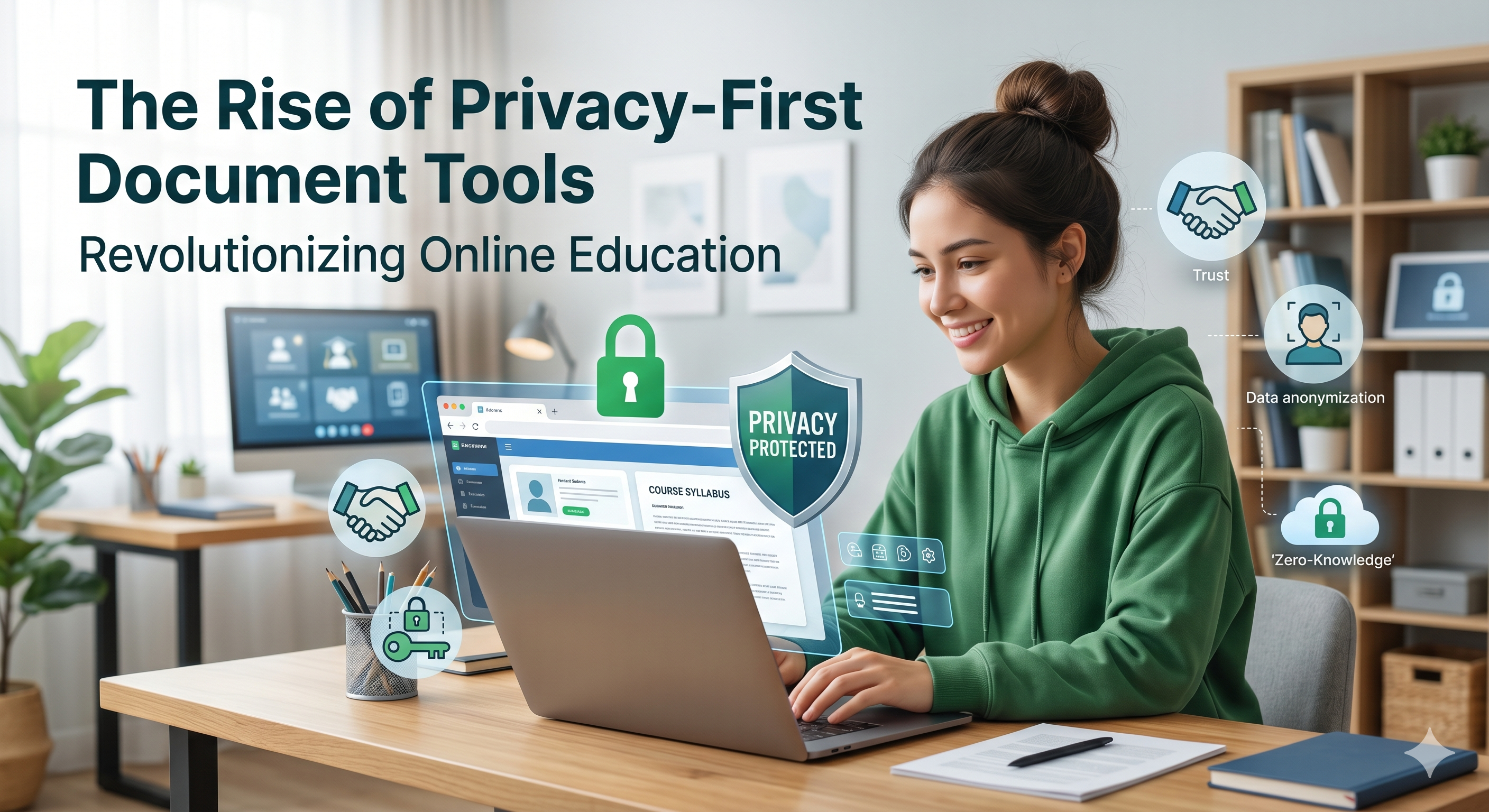
Apply reliable websites (such as OncePDF to work with documents)
-
Enable 2-factor authentication
-
Check before sharing permissions.
Easy access is not a condition to be easily exposed.
Step 10: Limitations You should be aware of.
Even in 2026, browser tools aren’t perfect.
Where they struggle:
-
Heavy design editing
-
Extremely large files
-
Full offline workflows
Balance not blind replacement is the clever thing to do.
The Real Workflow (How People Really Do It)
We will divide it into something useful:
- Write a document using a browser.
-
Export as PDF
-
Compress or convert (using OncePDF).
-
Share or download.
-
Collaborate if required
-
Store and organize
Avoid These Common Pitfalls
-
Utilizing an abundance of software simultaneously
-
Forgetting about formatting after conversion
-
Excessive compression of documents
-
Lack of document organization
-
Relying on unknown sites
Conclusion: The Web Browser Became Our Work Environment
In reality, The web browser didn’t take over from our software dramatically.
It took over subtly.
Now it can do:
- Creation
-
Editing
-
Conversion
-
Compression
-
Distribution
All in one location.
Web applications like Oncepdf.com don’t aim to provide all services at once—they come in handy precisely when needed, simplifying rather than complicating the process.👉 Simple. Fast. No unnecessary steps.