The Invisible Effort Involved In Checking Assignments
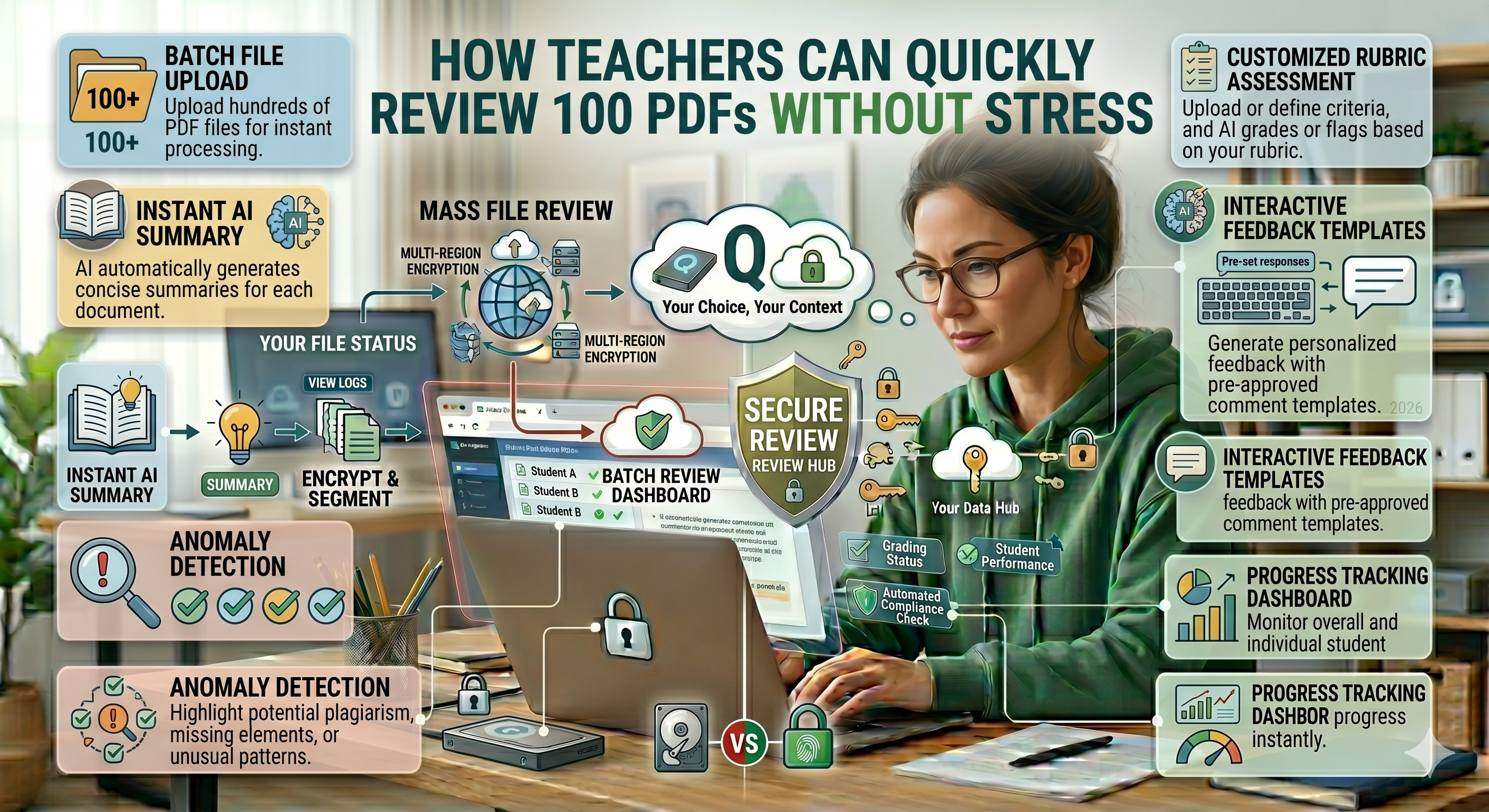
Checking assignments may seem easy on paper. Open a document, review it, make comments, and proceed to the next one. However, anyone who has ever had to deal with 100 PDF files knows better; it is not merely about reading but handling, organizing, shifting focus, comparing, and maintaining concentration for extended periods.
And what makes it difficult is not the sheer volume of assignments but the friction in the process itself.
Every single PDF presents its own set of problems:
- Varied formats
-
Unpredictable naming conventions
-
Various orientations
-
Heavy file sizes
-
Low-quality scans
By themselves, none of these are big deals. But when combined, they can lead to significant stress.
However, the bright side is that the issue is not really the volume of work; it is about optimizing the process involved.
Why Reviewing PDFs Feels More Exhausting Than It Should
The main challenge teachers experience is having to switch contexts. Every time another document opens, your brain needs to adapt to its new format, style, and structure. When other challenges come into play, such as poor loading speed or blurry scans, the strain becomes even higher. This is not only about having to go through the documents; this is about constantly adjusting. This is also why 20 documents may be easy enough to go through, whereas 100 become impossible because they require too much inconsistency.
Step One: Standardize Before You Begin
One of the most clever approaches to avoiding stress is standardizing your files prior to reviewing them.
Rather than opening every PDF document separately and solving problems immediately, take just a few moments to:
- Group similar files together
-
Correct orientation
-
Compress lengthy documents
-
Adjust formatting
With an online tool such as oncepdf.com , professors can easily get their PDFs ready in advance without any additional software installation. That one little step will give you plenty of extra time to spare further down the road.
Step Two: Combine Effectively, Not Arbitrarily
Reading through 100 individual files is a daunting task. A smarter strategy would be combining PDFs in organized bunches.
For instance:
- Combine 10 assignments together
-
Review them systematically
-
Proceed to the next bunch
This will minimize:
- Frequent file switching
-
Time taken for loading
-
Distracting mental breaks
By using online services such as oncepdf.com , the process of combining several PDFs can be achieved swiftly without compromising on the format.
Step Third : Solve PDF Quality Problems Before They Become a Problem
The worst waste of time is fixing problems with poor-quality PDFs during the reviewing process.
Such problems may include:
- Blurred scans
-
Trimmed pages
-
Inverted pages
-
Poor contrast text
Solving these problems prior to reviewing saves you a lot of time.
By using oncepdf.com and making necessary changes such as rotating, cleaning, etc., you can make sure that all files are readable even before starting to work with them.
Step Four: Compression Without Sacrificing Clarity
Larger PDFs make things inefficient:
- Opening is slower
-
Scanning is difficult
-
They ruin your flow
Over-compression, however, makes the text illegible. The trick is finding balance. With the help of compression tools provided by oncepdf.com , educators will be able to achieve that.
Step Five: Establish a Uniform Review Process
Stress is often caused by uncertainty.
Establishing a uniform process can help mitigate this.
For instance:
- Opening a batch
-
Scanning through
-
Highlighting important areas
-
Moving on to the next
If all files share the same layout, your mind does not have to reset each time.
Step Six: Minimizing Tool Overload
Teachers often add to their workload without realizing it by employing various tools for different purposes:
- One to combine files
-
One to compress files
-
One to edit files
Each tool transition adds complexity.
The better approach is to utilize a single platform such as oncepdf.com that handles everything in one location.
Step Seven: Scan First Rather than Do a Deep Read First
Reading everything deeply right away can be very draining.
What works much better is this:
- First time through → scan
-
Second time through → deep read
This will allow you to:
- Detect patterns
-
Find common errors
-
Make sure you focus
When done alongside properly organized PDFs, this is incredibly efficient.
Step Eight: Do Not Repeat Yourself – Give Feedback in Batches
A further, less obvious source of stress is the repetition of feedback in many PDF files.
Rather than this:
- Spotting recurring errors
-
Crafting general comments
-
Using them consistently
Step Nine: Keep All Information in One Easy-to-Access Format
Navigating through tabs, folders, and applications is a burden to the brain.
Through the combination and proper organization of PDF documents at oncepdf.com , instructors can achieve:
- Having all information in one place
-
Easy navigation
-
Concentration
It may appear insignificant, but it has a major effect.
Step Ten: Save Time, Not Just Energy
Whereas many educators try to move quickly, it’s about lowering stress levels.
Having a smooth process ensures that you have:
- Less frustration
-
Less interruptions
-
More concentration
With the end result being:
More energy for teaching
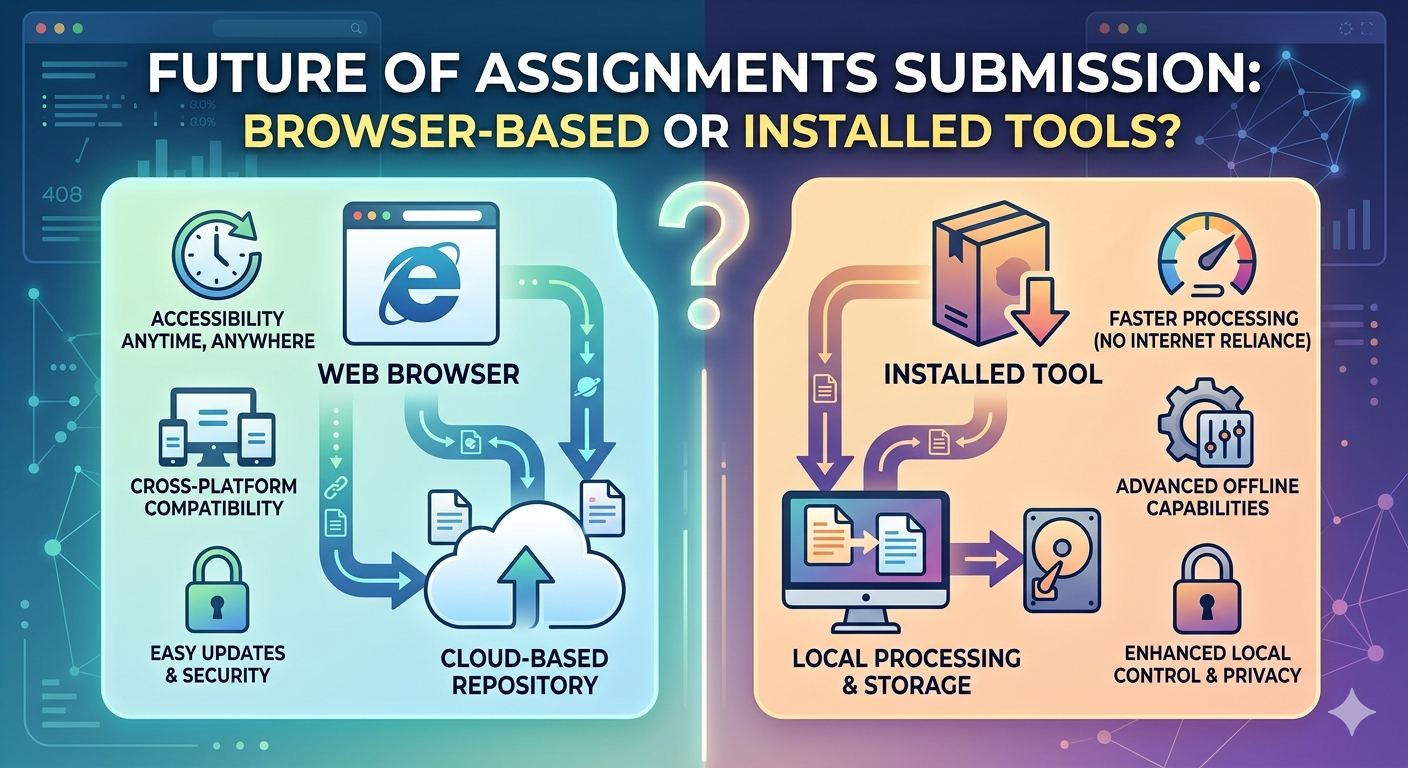
Why Browser-Based Solutions Are Easier To Work With
Conventional software tends to need:
-
Installation
-
Update
-
Compatibility
All of which complicate things unnecessarily.
Browser-based solutions such as oncepdf.com eliminate these hurdles through:
- Non-installation
-
Cross-device support
-
Easy and quick access
Most importantly:
Processing happens locally, thus no delays
Beyond Speed: The Larger Point
No matter how many times you read through 100 PDF documents, it won’t ever be “easy.”
However, it can be:
- Organized
-
Efficient
-
Stress-free
All that depends on your method of tackling the job.
Conclusion
It isn’t the quantity of PDF documents that causes problems for teachers; rather, it is the friction created by all the little things that can go wrong.
Through proper file organization and format standardization, as well as utilizing the right tools, such as oncepdf.com , everything becomes more streamlined.
With streamlining comes increased productivity because, even though there might be the same amount of work, it won’t feel like as much to do.