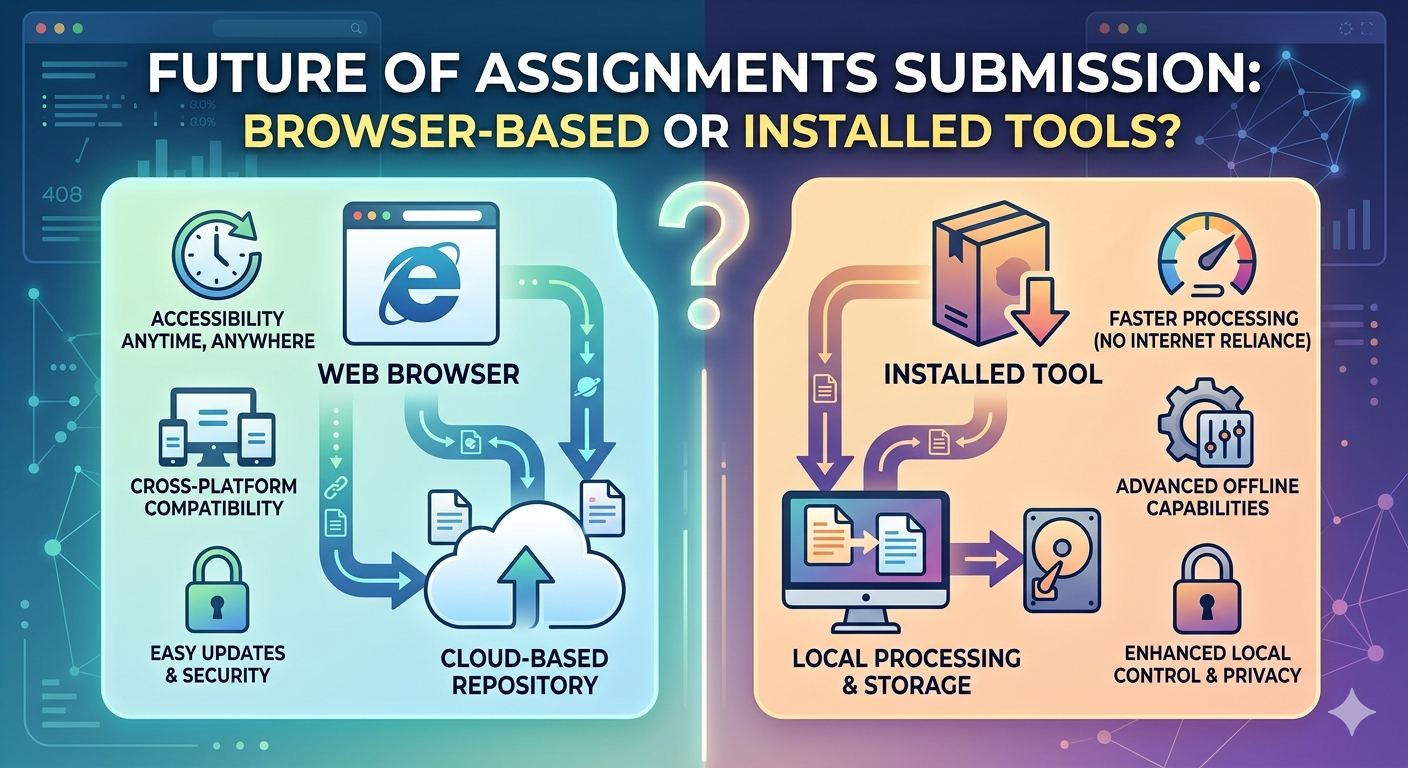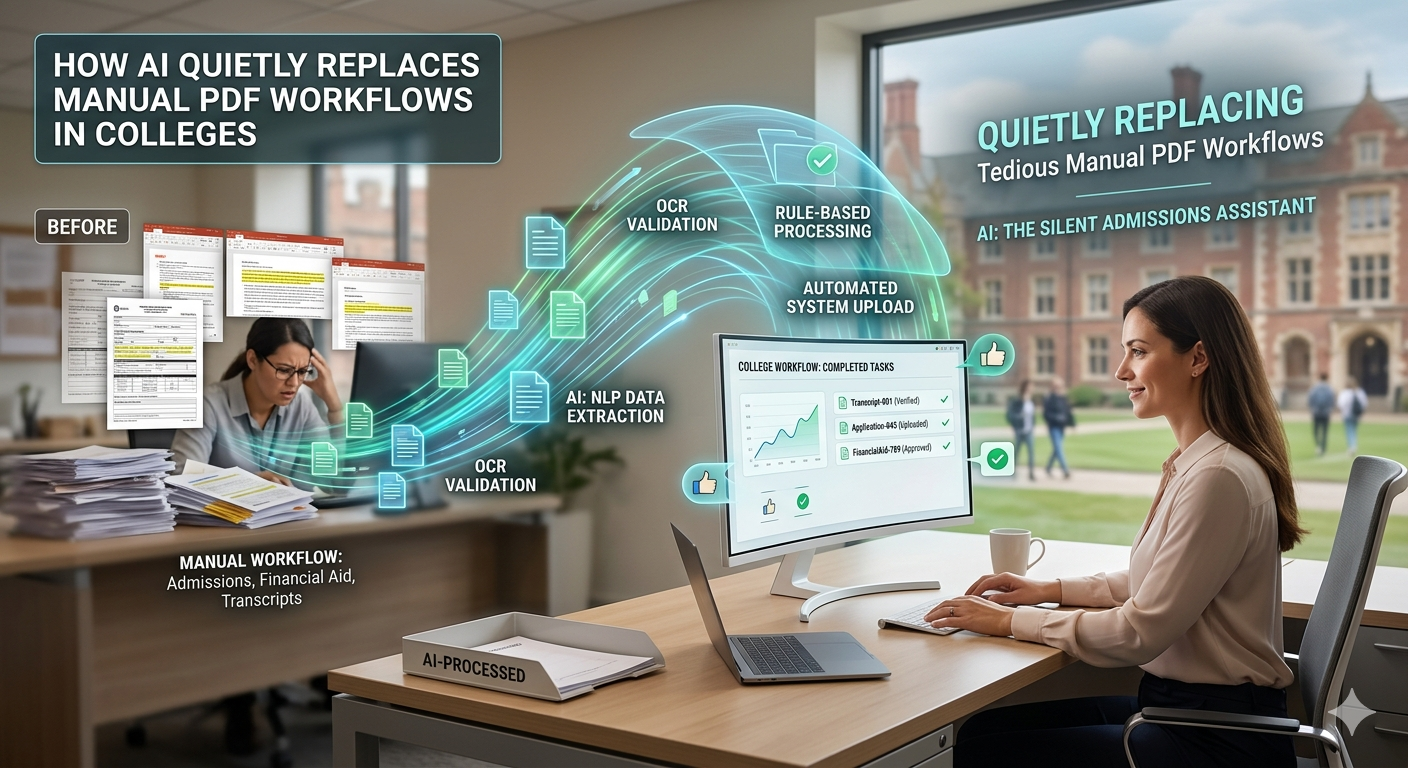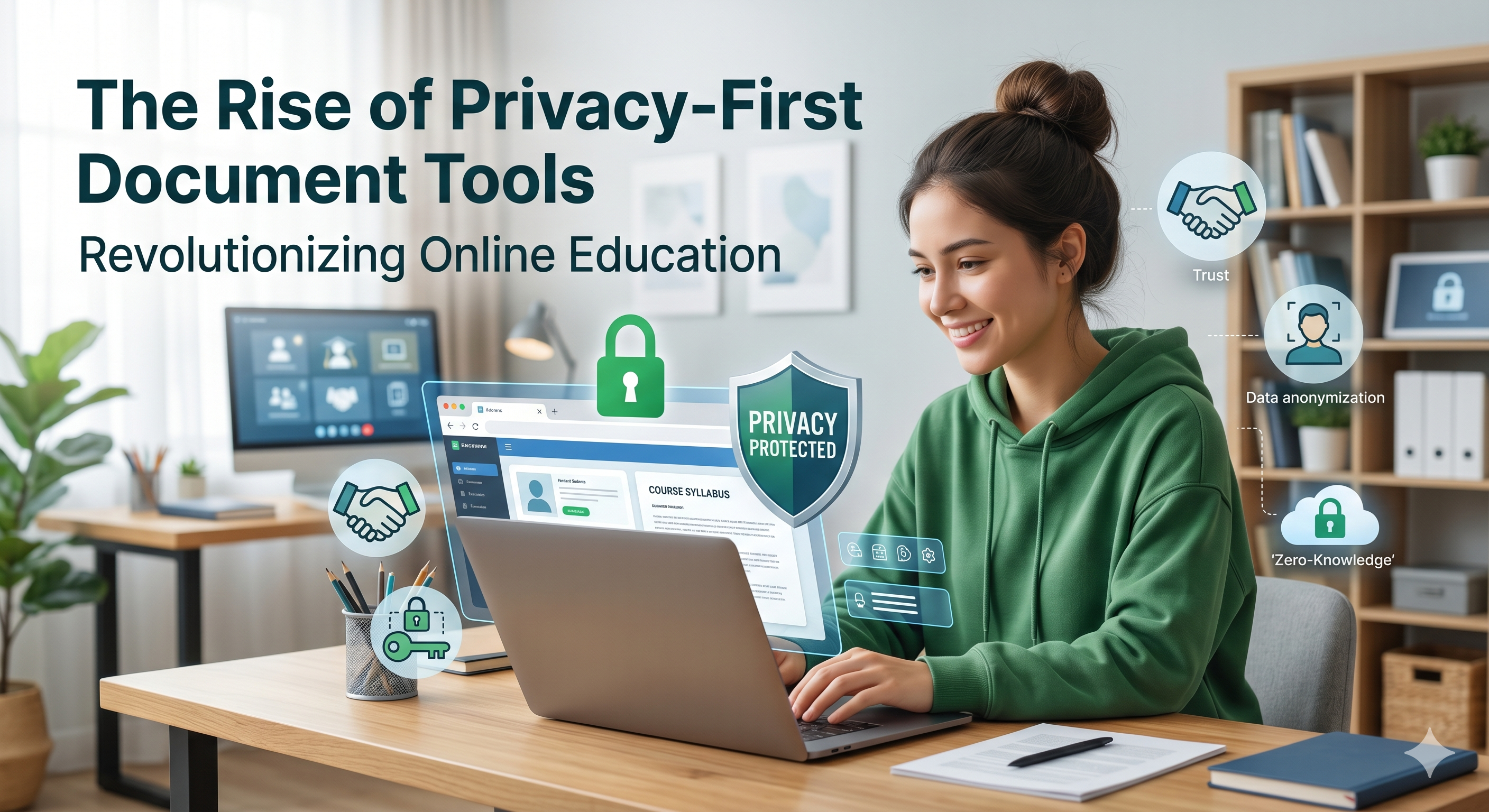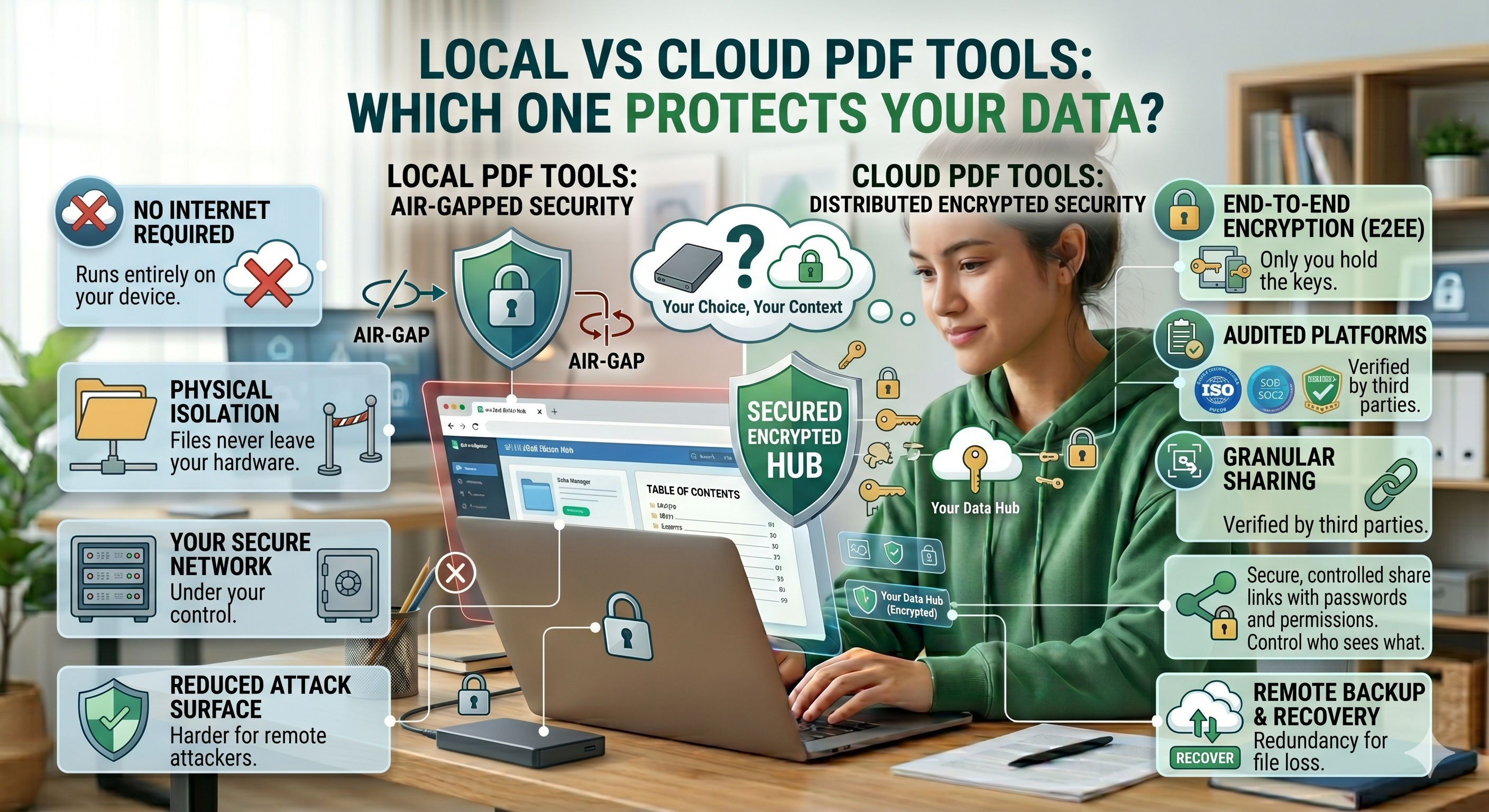
Software applications for PDFs have gained importance in the lives of students and professionals working with digital documents. Editing, compressing, combining, and other such file manipulations are usually done by either online applications or offline software.
The following question is what users tend to ignore while using any of the two tools:
Which is more effective at keeping your data secure?
Initially, both may appear convenient and safe to use. However, a closer look at the two reveals their stark difference and, as a matter of fact, impacts on your life. Learning About the Two Techniques First, it’s essential that you learn about both techniques. Tools for Converting PDF Documents to Cloud .Conversion from cloud-based techniques utilizes servers at a distance.
Conversion process includes:
- File upload
-
Server processing
-
Downloading results
The reasons why people use such tools are:
- Instant processing on browsers
-
Don’t require installations
-
Have powerful features
Local PDF Tools
Local tools work by manipulating documents directly on your device.
This includes:
Installed software
Online tools that run locally
Oncepdf.com is an example of such a tool, as it:
Processes files using your web browser without uploading them
Core Differences:
Where Your File Goes
- This is the essential difference.
Cloud-based tools:
-
Your file goes out of your device
-
It is analyzed by servers outside your device
-
You depend on how the software handles your data
-
Desktop-based tools:
-
Your file remains in your device
-
It is analyzed inside your device
-
You have complete control
All other differences stem from here.
Data Privacy:
Who Gets into Your Files?
Cloud Apps
Whenever you upload a PDF file:
- The cloud application does have access to your file
-
Your file is stored in temporary storage
-
Data is transferred between several applications
Despite what the cloud application says:
We delete files after the process
- Local Tools (e.g., oncepdf.com)
-
Data stays on your computer
-
No interaction with server
-
Not available online
Exposure risks are minimized in this case
Security Risks: Possible Points of Failure It would be unfair to expect any tool to be completely risk-free. However, the nature of risks is different.
-
Security Risks with Cloud Services
-
Data breaches at servers
-
Improperly configured file storages
-
Inappropriate access
-
Excess retention of data
Big providers were also subject to data issues before. Not frequent but dangerous enough.
- Local Tools Risks
-
System Security (on your device)
-
Malware or insecure download (in case you use installed applications)
However, local tools accessible through browsers, such as oncepdf.com, eliminate even that risk by:
- Not requiring installation
-
Operating within a secure browser environment
Speed & Performance
People often believe cloud-based tools are quick—however, this isn’t always the case.
Cloud-based Tools:
-
Need files to be uploaded first
-
Affected by internet connection speed
-
Replies from server affect speed
Local Tools:
-
No need for file upload
-
Instant process
-
Affected by local computer speed
When performing routine jobs (for instance, joining or compressing PDF documents), one can find cloud-based websites such as oncepdf.com to be quicker.
Transparency: How Much Do You Actually Know?
Cloud Services:
-
Privacy policy is your safeguard
-
Data processing is opaque
-
You have to trust the provider
Local Services:
-
No need for transferring data externally
-
It’s simple and easy to comprehend
Tools Cloud-Based:
-
Extremely convenient
-
Available everywhere
-
Usually coupled with cloud storage
However:
Less control over your information
Tools Local:
-
Convenient too (particularly browser-based tools such as oncepdf.com)
-
No installation required
-
Accessible on all devices
Also:
Control over your files
Local Tools:
-
Still very handy (especially web-based tools such as oncepdf.com)
-
No need to install anything
-
Works everywhere you have the to
Cloud Tools:
-
Require subscriptions in most cases
-
Expensive features that only subscribers can use
-
Local Tools:
-
Very affordable options
-
Absolutely free to use even the basic version
Web-based tools like oncepdf.com lower price and effort.
Cloud tools for:
-
Collaborative working
-
Document sharing
-
Multiple user access
Local tools for:
-
Personal documents
-
Academic work
-
Confidential information
-
Daily tasks requiring quick action
The preference for local tools is the norm for most students
- Security of their digital assets
-
Online threats
This has led to evolving preferences.
Users now want solutions that:
-
Keep their data private
-
Reduce unnecessary data exposure
-
Are transparent in their practices
Oncepdf.com caters to this trend by offering:
-
Local processing
-
No file uploading
-
Privacy-first approach
Shortcomings of Each Strategy
To remain objective:
-
Risk of exposure
-
Dependence on internet connectivity
-
Upload delays
Shortcomings of Local Solutions:
-
Performance of the device matters
-
No cloud storage capability
-
Less collaborative features
None is flawless but the choice is based on the priority.
Which One Serves You Well in Securing Your Data?
Now to tackle the core question:
The local PDF editors are better at protecting your data
As:
- There is no uploading of files
-
No storage on servers
-
No access from outside
Role of oncepdf.com in the Comparison
Oncepdf.com embodies the contemporary model of local computation:
-
Runs completely within your web browser
-
Does not require file uploads
-
Fast and lightweight
-
Privacy-oriented
It is a hybrid of:
Cloud-based convenience
Local computation privacy
This makes it especially beneficial for students and average users.
Conclusion
Choosing between local and cloud PDF tools is not just about features—it’s about control. Cloud tools offer convenience, but require trust. Local tools offer privacy, with fewer risks.
As digital workflows continue to grow, users are becoming more conscious of where their data goes. And that’s why:
Privacy-first, local processing tools like oncepdf.com are gaining importance
Not because they are trendy—but because they solve a real problem.