The Daily Practice That Never Raises a Question
Uploading a PDF has turned into an automatic task. No matter whether you do it to compress, merge, or convert files; it always seems like a routine activity. You simply load an online tool, upload your document, wait for a couple of minutes, and then download it again. Simple as that. This makes people think there is no problem with it. Yet, what usually remains unseen in all this is that uploading files consists of many actions performed under the hood.
What Actually Occurs When You Press "Upload"
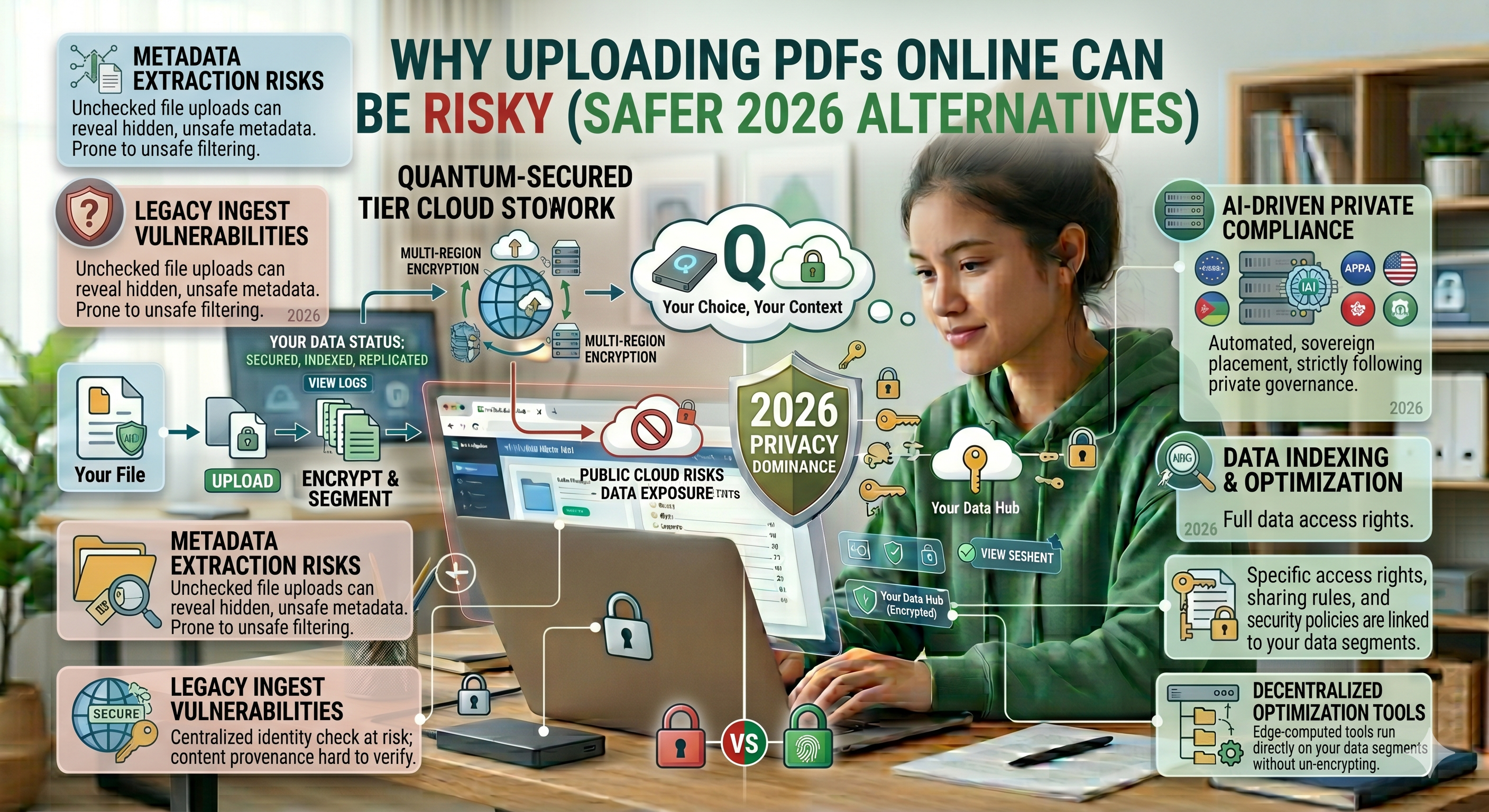
When you press "upload" on your file in PDF format, you are essentially sending that document into the virtual unknown. Your file is no longer on your computer, but is rather traveling through the web to reach a distant server. Your file is then received by the server and held there temporarily before being processed by the systems located within the server itself. Once processing is complete, your file is returned to you to download. What seems like an instant process from your point of view is actually a more complex journey behind the scenes.
Lack of Control Over the File
Another critical problem with PDFs that people may have when uploading them online relates to losing control over the file. You know precisely where the file is stored when it is on your device and who accesses it. But the moment it gets uploaded somewhere else, that is not the case anymore. Although the website may assure users that the file is deleted after processing the content of it, there is no guarantee that it indeed got deleted and for how long it stays there.
Data Hiding in PDFs
Most users think that a PDF file simply consists of visible parts – texts and pictures. In actuality, there are hidden data layers that can be found within each document created in PDF format. The hidden elements may refer to meta data containing the name of the creator of the document, the program used for its creation, date stamps, and in some cases, even history of editing. Thus, when you share your PDF document, you share much more information than you realize.
Temporary Storage Is Not Always Safe
One of the claims that are made about files uploaded to online programs is that they are temporarily stored. Although this may appear to be harmless, it is frequently misinterpreted. This means that your file will be kept on the server for some time. It might then be cached, saved, or run through several different systems. Even after deleting it, your file will be present in this period. This is not always harmful, but it is certainly not safe either.
Potential Risks Due To Server Problems
It is also important to think about the safety of the system used. If the server is vulnerable to threats or lacks proper security, then files can become unprotected as well. Of course, well-established sites invest a lot of money in ensuring that their servers are safe, but smaller companies might neglect this process. The result is that many people who use them simply do not know how much risk they are actually taking.
Risks of Transfer & Network
Transferring a document is another way to transfer files via the internet. While secured connections help to minimize risks of hacking, there still exist certain risks that cannot be overlooked. Connection interruptions and network problems can cause the transferring process to break off. In some cases, such problems can result in corruption of files.
Why Most Individuals Overlook These Potential Threats
However, despite all these considerations, users keep on uploading their files without any second thoughts. And the reason behind this complacency is very basic – there are no apparent complications involved. File gets uploaded, job gets done, and that is enough for them. They forget about the numerous unknowns involved in the process due to their convenience-oriented approach towards things.
Alternative Solution: Local Processing
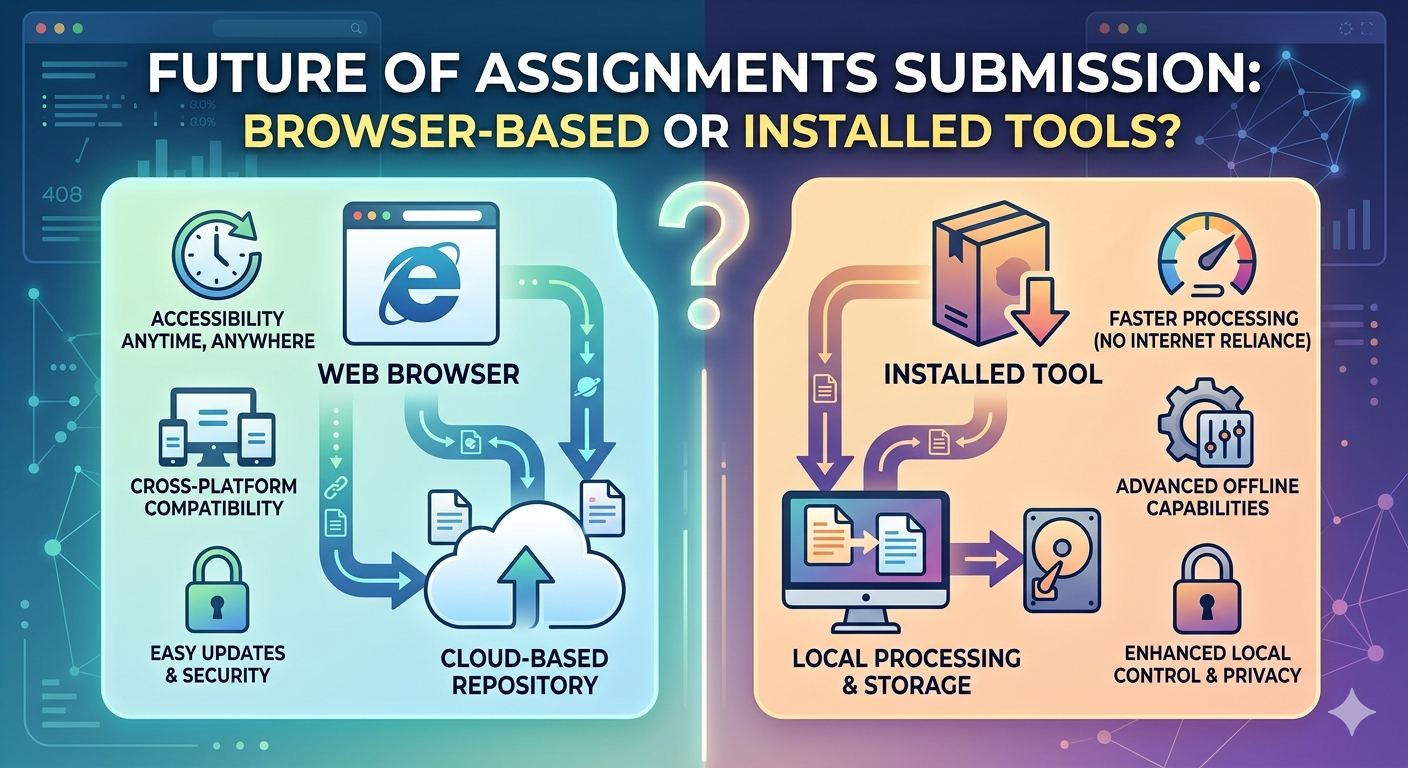
Alongside increasing knowledge, there has been an alternative method that is becoming more prominent. Rather than using online servers to upload files, certain software programs have opted for an approach called local processing, which avoids the necessity to upload files at all. Online services such as oncepdf.com work on this principle, allowing users to interact with PDFs on their computer without uploading files.
How does oncepdf.com alter the workflow?
In using oncepdf.com , the process gets a lot easier and streamlined. The file will remain stored on your computer until the end of the process. Nothing gets uploaded, nothing is processed by anyone else, and no one stores anything on their servers. All processes take place in your own browser locally. This eliminates many potential risks that could arise along the way.
Speed and Efficiency Without Uploads
The third benefit of using the computer’s power is that it is much faster because uploading or downloading a file from the Internet consumes a lot of time. With the elimination of this process, users can enjoy immediate results provided by services such as oncepdf.com . Hence, a user does not need to sacrifice either security or efficiency.
When Uploading May Be Needed After All
We must be sensible about this. We cannot always find ways to do things without uploading at all. Tools available on the cloud are equally useful in collaborative work, file exchange, or multi-user operations. In this scenario, uploading will become an inevitable process. What changes now is that the user is able to make a deliberate decision about when the upload is needed.
The Trend towards Increased Privacy Consciousness
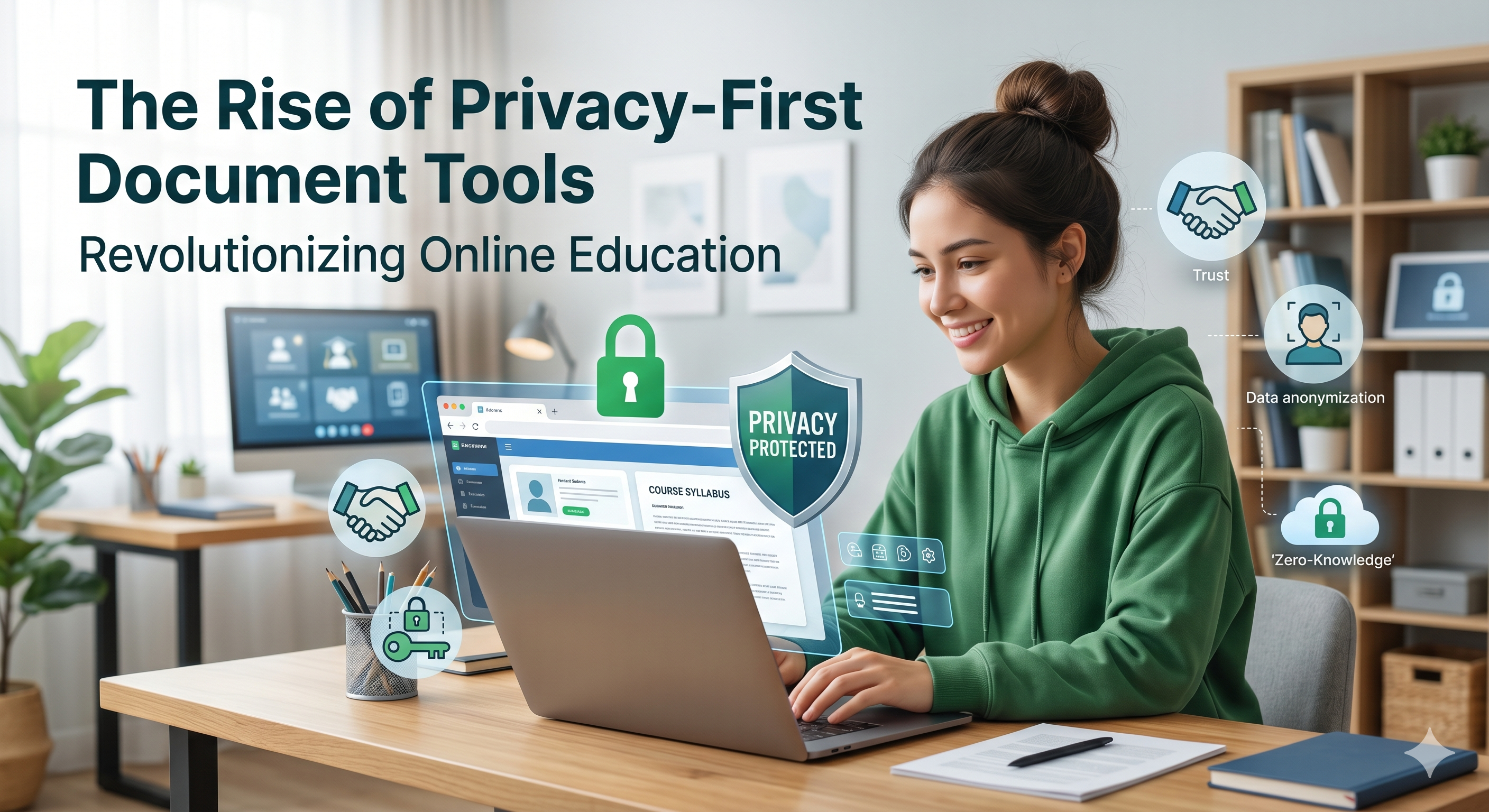
The rise of privacy-friendly tools is indicative of a trend that goes beyond just the tools themselves. There’s an increased level of awareness regarding how one’s data is being used and a growing appreciation for control over ease of use. It doesn’t mean that users will give up all online tools, but it means that they’ll become much pickier.
Conclusion
The uploading of PDFs is not by default risky, but it is not as straightforward as it may seem to be. Every time someone uploads something into the cloud, there is an entire process behind the scenes that users often do not see. Having an idea of what goes on allows you to take a more informed approach toward using this software.
Safer options like oncepdf.com prove that you can still do everything quickly while retaining control over your information. The reason for this is that these websites only store data temporarily, allowing users to keep their files stored on the device where they originally were.
Ultimately, people should not shun technology but learn how to use it responsibly. Since once they know what occurs every time they upload a document, they realize that there is always an option.