Uploading a PDF to the web seems completely natural. Click a button, drag your file, wait for a moment, and download. That’s it.
But the harsh reality is that:
Every time you upload a PDF to the Internet, you put your trust in a system beyond your control
Not many people think about this. Many students, professionals, and organizations use online tools for PDFs on a regular basis—yet they do not know how this process really works.
But not all of these services are safe.
Actually:
The dangers exist, and most of them are hidden from you. Here’s the deal, and let me explain it straight to the point.
What Really Occurs While Uploading a PDF File ?
Before discussing risks, one needs to understand what occurs. Typically, the workflow in online services proceeds in the following way:
- You upload the file
-
The file is transferred to the remote server
-
The file processing takes place there
-
You receive the end result
At first sight, it doesn’t seem dangerous.
However, from a technical point of view, the uploaded file is:
- Being transferred through the internet
-
Being stored for some time
-
Being processed by the system that you cannot control
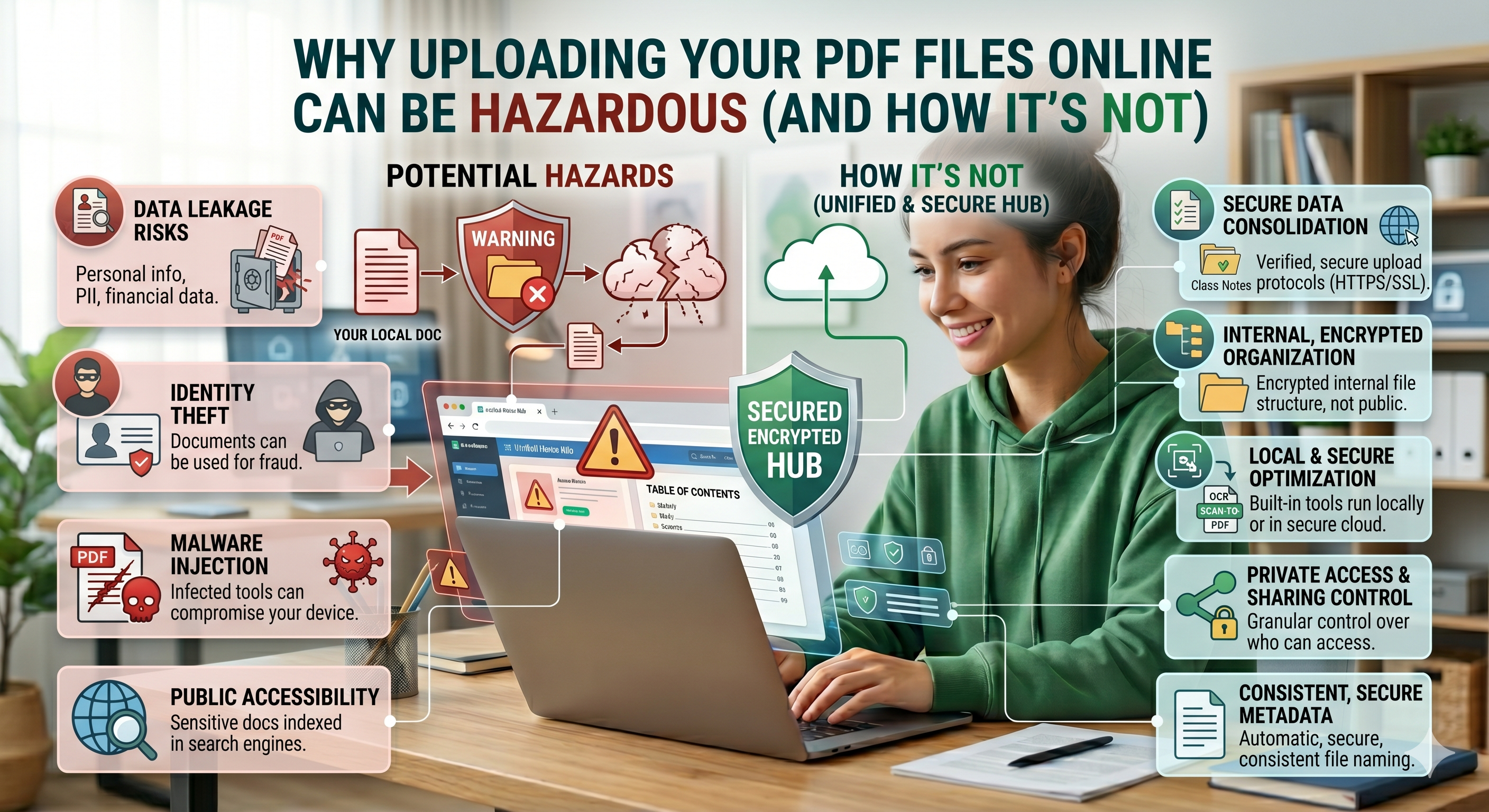
The Hidden Risks of Uploading PDFs Online. Let’s go deeper into the actual risks—without exaggeration, but without ignoring reality either.
1. After you upload your document:
You can no longer control its movement or stay on the platform
Even when a service says:
“The files will be removed once processed”
There is not an easy way for consumers to be sure that:
- The files were removed
-
The back-ups were done
-
Logs kept
When it comes to sensitive documents, it makes a difference.
2. Leakage of Personal or Educational Information
PDF files usually consist of not only the information seen.
These may comprise:
- Personal information (name, identification number, e-mail address)
-
Educational papers or assignments
-
Internal documents
-
Hidden metadata
Placing such files on unverified websites will make you prone to:
- Data leaks
-
Unintended access
-
Inadvertent disclosure
It is significant particularly when students submit their assignments.
3. Temporary Files Are Not Immune to Risks
Most apps state:
“Your files are stored temporarily”
However, temporary files imply:
- The presence of files on servers
-
The ability to access them
-
The possibility of exploitation by vulnerabilities
In the event of:
-
Server misconfiguration
-
Security vulnerabilities
-
File exposure
Temporary files may also be at risk.
Lack of Transparency
Users generally do not look at:
- Privacy Policies
-
Terms of data usage
Even when they do, they usually come across descriptions that are:
- Difficult
-
Inconclusive
-
Inaccurate
Thus,
The user trusts the tool without being aware of potential hazards
5. Risks While Uploading Files
File uploading involves moving files through the internet.
Even using HTTPS connections, the following risks might be encountered:
- File interception in non-secure environments
-
Incomplete uploads resulting in file corruption
-
Incompleteness of data uploading
Although these risks are minimal, they exist nonetheless, especially when accessing public networks.
6. Data Storage More Than Expected
Some platforms can:
- Store data longer than expected
-
Analyze data
-
Log for debugging purposes
Despite being non-malicious, they increase the chances of getting exposed.
Why Are Students Prone to Risk?
Students are prone to share documents in formats such as PDF for:
- Homework assignments
-
Assignment submission
-
Projects
-
Personal documents
Which might contain:
- Personal information
-
Original works of students
-
Organizational documents
Moreover, they often prefer speed over safety.
Hence they are prone to use:
- Untrusted tools
-
Unknown platforms
The Real Problem: Convenience or Privacy?
Let’s get real.
Why do people upload PDFs?
- Easy!
-
Quick!
-
Effective!
However, convenience doesn’t always come cheap:
Lack of control over your information
Now, the important question is:
Can we have convenience without compromising on privacy?
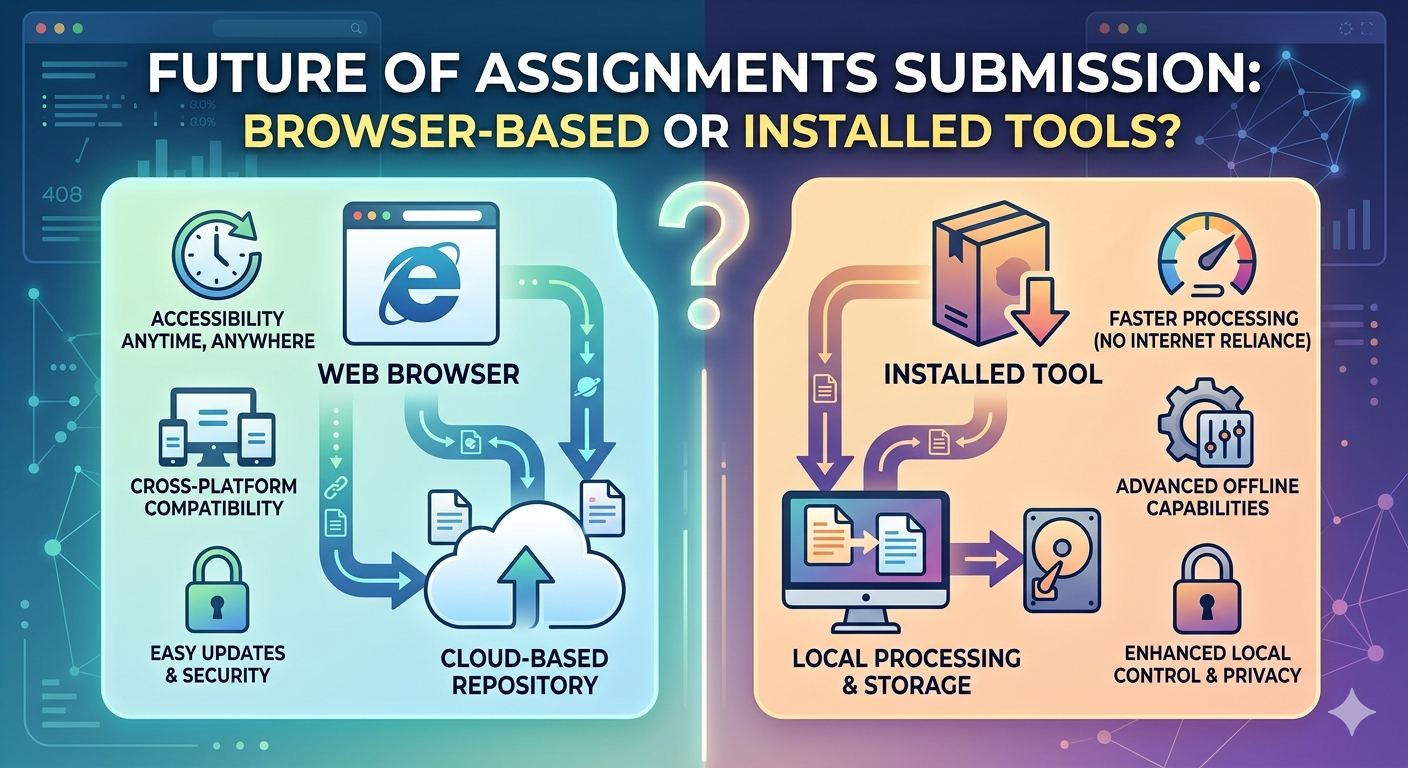
Safer Alternative: Local Processing Applications
And that’s when a new solution becomes relevant.
Some applications do not transfer data to the servers but analyze and transform documents locally on your PC.
It is known as:
Local processing
Sites such as oncepdf.com operate using this principle.
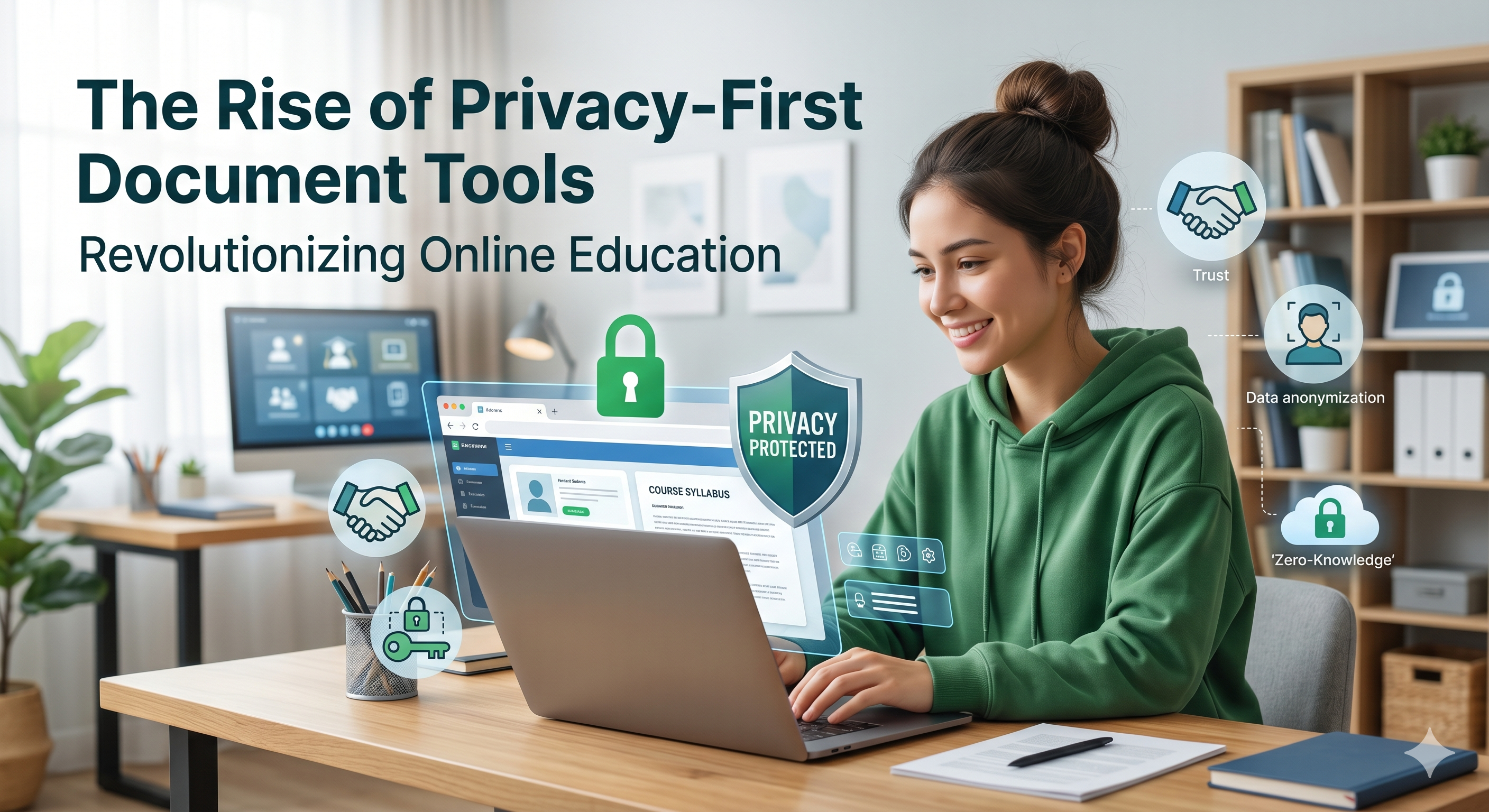
Oncepdf.com and Its Security Features is unlike any other tool in that it works exclusively from your browser.
This means that:
- No Document Uploads
- Your document will not be uploaded at all.
- Local Computation
- Everything happens on your computer.
- No Storage on Servers
- No storage whatsoever.
- Improved Performance
- No lag in uploading and downloading.
This reduces a number of potential risks involved with online document uploads.
Comparison of both Methods
Here’s the breakdown:
- Old-fashioned Online Programs
- Requires uploading
- Server processing
- Possibility of storing data
- Dependent on the Internet connection speed
- Privacy-oriented Programs (such as oncepdf.com):
- No uploading
- Local processing
- No data storage externally
- Fast and safe
This isn’t just a matter of technology—it’s all about control
Are all PDF services online risky?
Absolutely not!
Some examples include:
- Have good security policies in place
-
Apply data encryption
-
Destroy data completely
However, the problem is:
The users cannot verify the above claims
Therefore, the best thing for you to do is:
- Avoid uploading data when not necessary
-
Use secure services
-
Process data locally where possible
Why Uploads May Still Be Needed
Being practical means admitting there will be situations when an upload may be necessary:
- Working in the cloud
-
Sending large documents
-
Group document editing
But remember:
- Use reputable websites
-
Do not share sensitive data if possible
-
Make sure your privacy policy is respected
-
Practical Advice for Staying Safe
Some simple recommendations:
- Do not upload sensitive documents whenever possible
-
Take out personal information from any documents
-
Opt for services that do not require uploads like oncepdf.com
The Future: Expectations for Privacy by Default
With increasing consciousness, there are now expectations of:
- Transparency
-
Data control
-
Design focused on privacy
This trend is shaping tool development.
The new platforms such as oncepdf.com demonstrate this approach through:
- No uploading capabilities
-
Local processing
-
Minimal server dependency
This is what the future holds.
Conclusion
Uploading PDF files to the Internet is not necessarily harmful, but neither is it completely safe. It’s not about being afraid; it’s about being informed.
- Know what becomes of your information
- Pick tools that care about your privacy
- Reduce unnecessary risks
Using web services such as oncepdf.com provides an effective solution—you can manage your documents easily while retaining your autonomy.
And in today’s interconnected digital age, maintaining autonomy may no longer be an asset, but rather a necessity.