How Difficult Is PDF Editing on Mobile?
Complete Guide to Mobile PDF Editing, PDF Editor App, Edit PDF on Phone https://oncepdf.com/edit-pdfThe complaint sounded simple.
A contractor standing outside a government office needed to correct a spelling mistake inside a PDF application form. The document had already been signed. The deadline was less than an hour away. He opened the file on his phone, tapped the text, and nothing happened. That's usually the moment people discover something uncomfortable about PDFs.
Most users assume a PDF behaves like a Word document. It doesn't. I've seen this confusion repeatedly. Someone receives a PDF by email, notices a wrong address, a missing number, or an outdated date, and assumes editing it on a phone should take seconds. On paper, that sounds reasonable. Reality tends to look different. A PDF was never designed around easy editing. It was designed around consistency.
The difference matters.
When a document reaches your phone, the PDF isn't necessarily storing paragraphs the way a word processor does. In many files, text behaves more like positioned objects sitting on a digital canvas. That's why a document can look perfect across devices while becoming frustrating when somebody tries to change even a single sentence. Most PDF editor app advertisements skip over that detail.
They show a person tapping a paragraph and instantly changing text. What vendors rarely mention is that editing success depends heavily on how the original PDF was created. I've reviewed enough document workflows to notice a pattern. Users blame the mobile app when the actual limitation exists inside the document itself.
A digitally generated PDF from office software is usually easier to modify. A scanned PDF is a completely different story. That distinction alone explains countless negative app reviews.
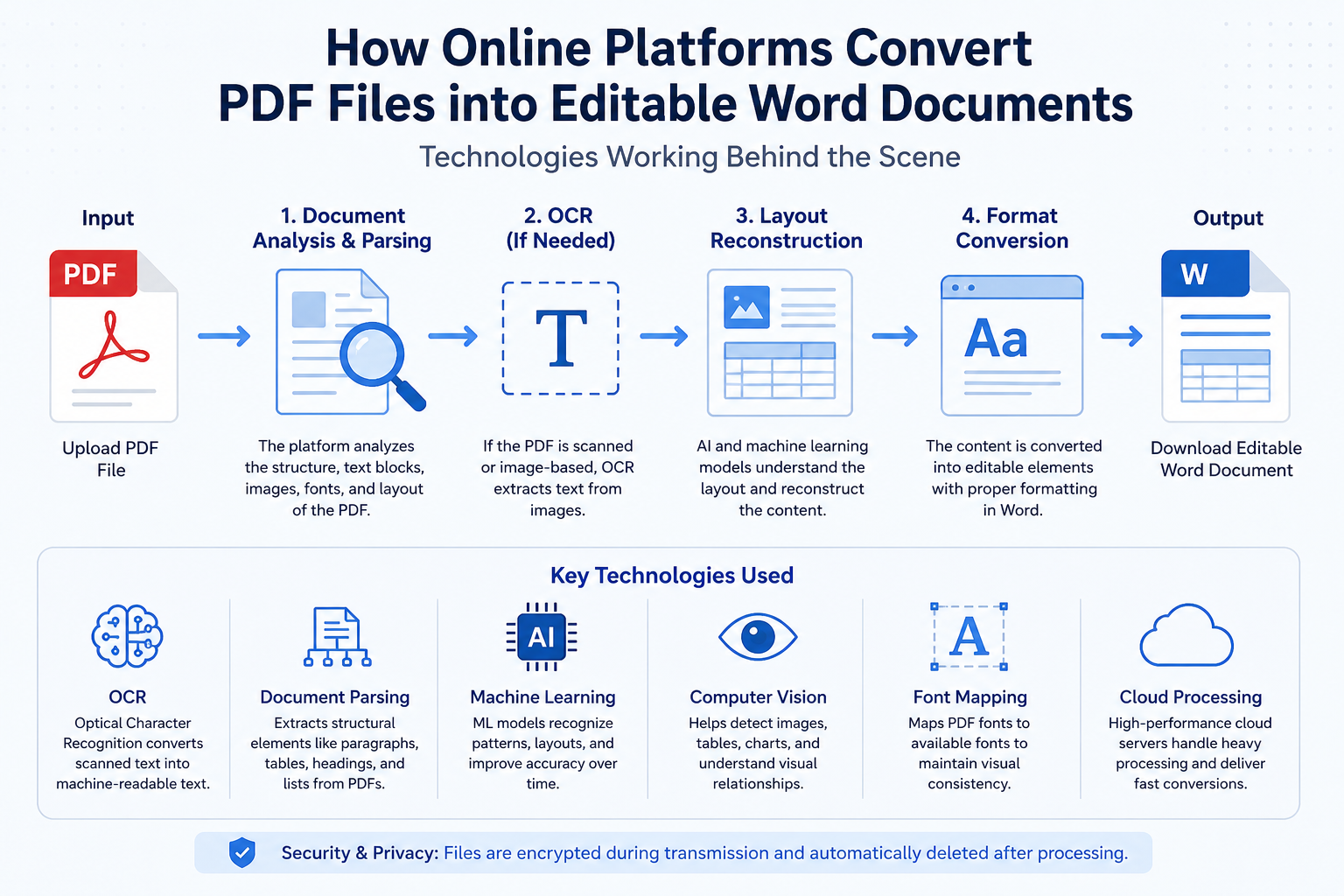
Many scanned documents are essentially photographs trapped inside a PDF container. Your phone doesn't see editable words. It sees pixels. Think about a printed newspaper page. Take a photograph of it.
You can see every letter clearly, yet you can't physically edit the letters inside the photograph. Mobile PDF editors face the same challenge. Before editing begins, the application must identify characters through OCR technology and reconstruct text from an image.
Sometimes it works surprisingly well.
Sometimes it creates absolute chaos.
A single blurry scan can turn account numbers into random symbols. Government forms suffer from this more often than most people realize because many documents pass through multiple scanners before reaching the user. This is where things become complicated. Modern mobile phones are far more powerful than the devices we carried five years ago.
Yet PDF editing remains one of the few tasks where raw processing power isn't the main problem.
1. Document structure
2. Permission settings
3. Font availability
The irony is hard to ignore. People can edit 4K videos on a smartphone while struggling to correct one sentence inside a PDF. The underlying mechanics explain why.
Every visible element inside a PDF exists at a precise coordinate. Text isn't simply flowing from left to right like a webpage. It's positioned deliberately. Change one word and spacing can shift. Change spacing and alignment may break. Break alignment and an official form suddenly looks suspicious. Procurement teams run into the same problem repeatedly.
Organizations often purchase mobile PDF solutions expecting employees to work entirely from phones. Then they discover complex edits still require desktop software for reliability. The software wasn't necessarily bad. Expectations were unrealistic.
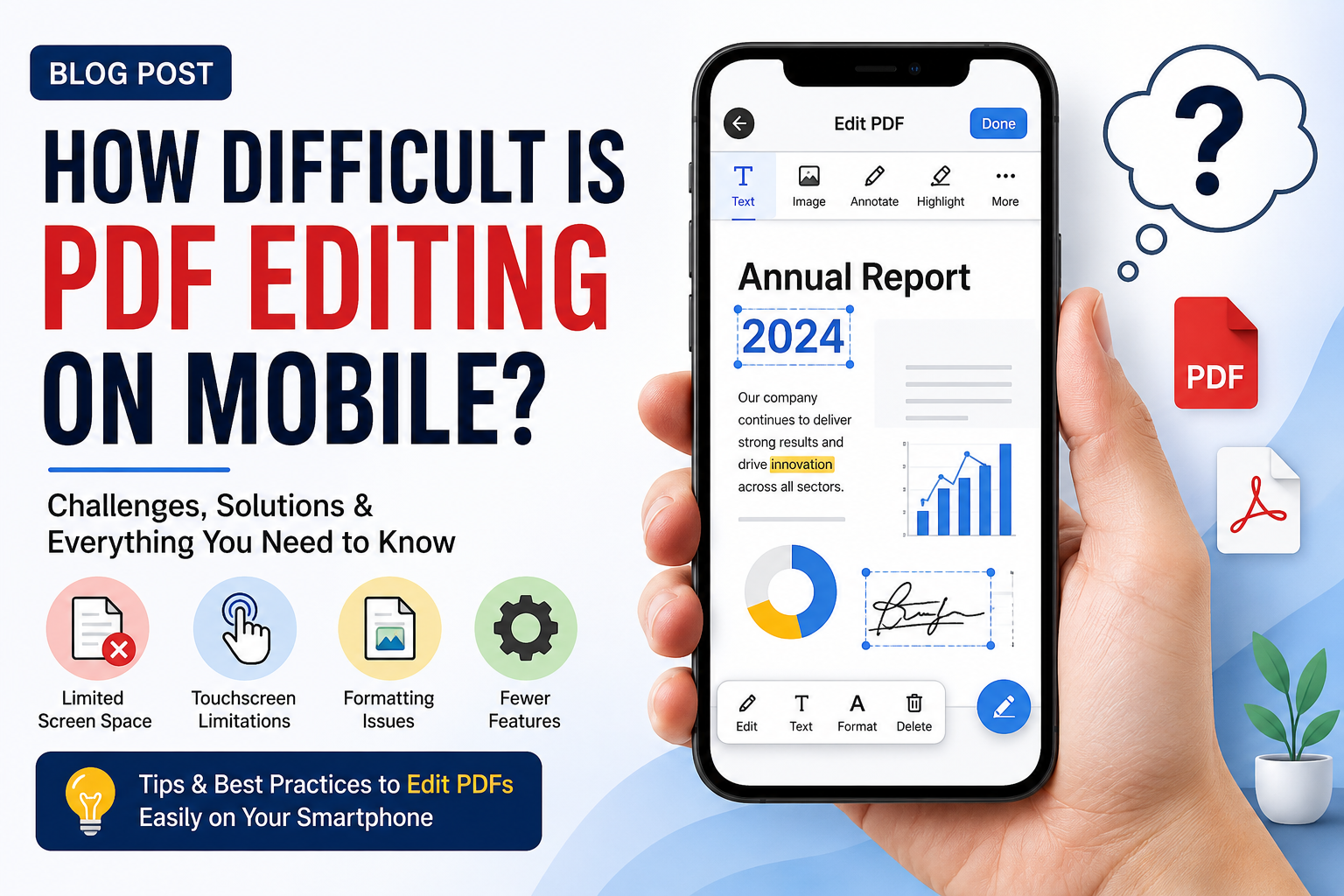
That's where the story changes. Basic mobile PDF editing has become genuinely useful.
1. Adding signatures.
2. Highlighting text.
3. Filling forms.
4. Adding comments.
5. Inserting simple text fields.
Those tasks work well today. For many users, that's enough. The difficulty appears when people attempt structural editing. Merging document sections. Replacing embedded fonts. Rebuilding layouts. Modifying protected files. Editing scanned contracts. Recovering damaged formatting.
That's where mobile workflows begin showing their limits. I've watched teams spend thirty minutes trying to fix a document on a phone only to finish the job in two minutes on a desktop computer. Convenience and capability aren't always the same thing.
A phone offers accessibility.
A desktop offers control.
Many users don't realize they're trading one for the other. The technical side becomes even more interesting when modern design trends enter the picture. High-fidelity interfaces, tactile brutalism, layered visual systems, and advanced mobile app aesthetics all depend on precise rendering behavior. Imagine stacking transparent sheets on top of each other. One contains text. Another contains annotations. Another contains signatures.
Conclusion
The PDF viewer combines them into a single visual experience. Move one layer incorrectly and unexpected problems appear. That's why a document may look perfect inside one PDF editor app and slightly different inside another. Most people never notice this part. Designers do.
Developers do. Legal teams certainly do. A shifted signature by even a few pixels can trigger uncomfortable conversations during document verification. And that's where costs start climbing. A cheap PDF editor app that fails during critical workflows can become far more expensive than a premium solution that simply works. I've seen organizations learn that lesson the hard way. Not because the software failed.
Because document complexity exceeded what mobile editing could realistically handle. The uncomfortable reality is that mobile PDF editing has improved dramatically, but the PDF format itself still imposes constraints that no application can completely eliminate. Users often ask whether phones will eventually replace desktop PDF workflows entirely. Maybe for simple tasks. Maybe even for moderate editing.
Yet every year documents become more complex, compliance requirements become stricter, and visual precision becomes more important. The question isn't whether mobile PDF editing is possible anymore. The harder question is whether document complexity is growing faster than mobile editing capabilities can keep up.